

Correlation Matrix
Visualize statistical relationships between KPIs — understand which metrics move together and which are structurally independent.
The Correlation Matrix maps the statistical relationship between every pair of KPIs in your dataset — including KPIs auto-connected across data sources by Nirvana. It surfaces which metrics move together, which are independent, and which are inversely related.
How to read the matrix
Strong Positive
Values near +1.0 — the two KPIs tend to move in the same direction. A drop in one is likely accompanied by a drop in the other.
No Correlation
Values near 0 — the two KPIs move independently. A change in one carries no predictive signal about the other.
Inverse Correlation
Values near -1.0 — the two KPIs move in opposite directions. Useful for understanding trade-offs between metrics.
How to use the Correlation Matrix
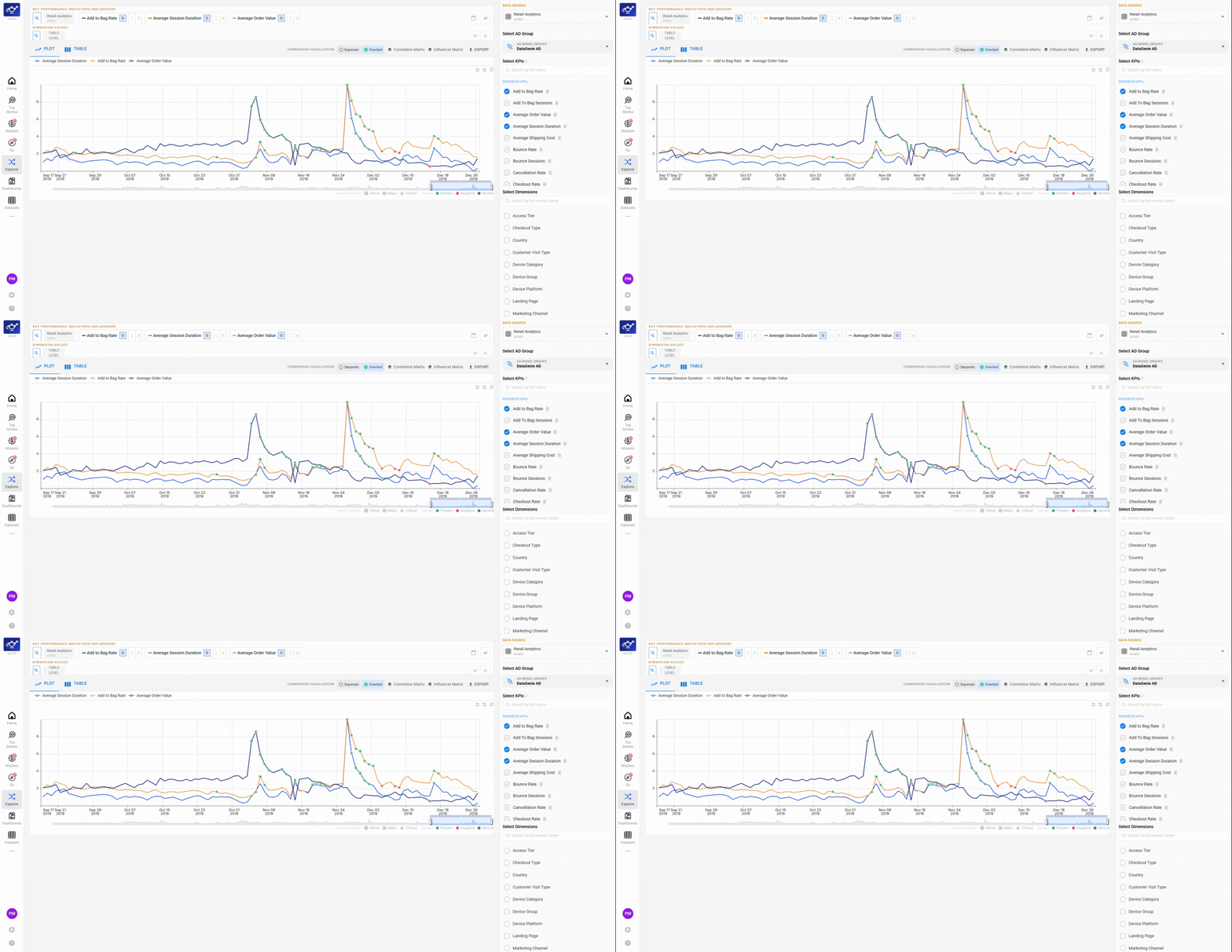
Open the Correlation Matrix tab
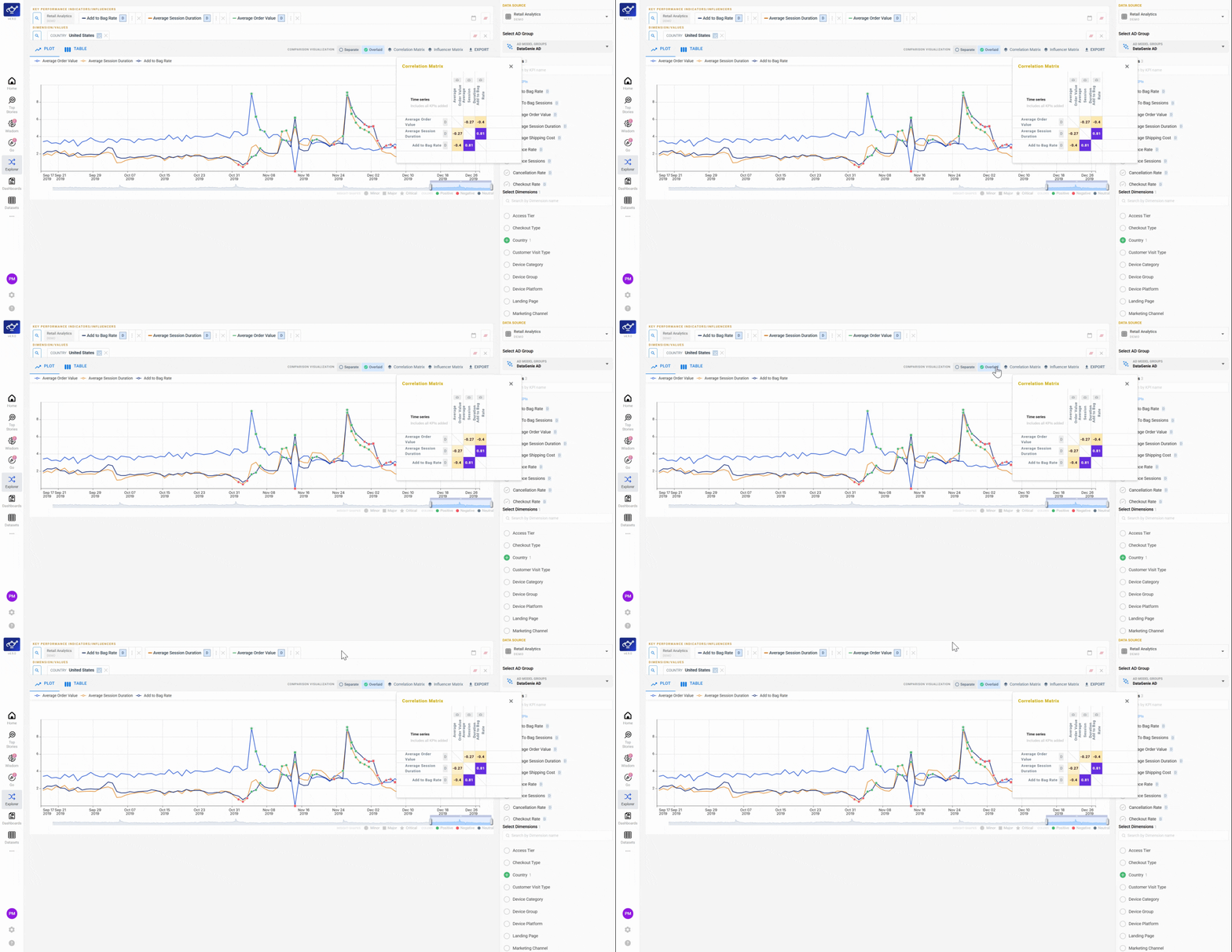
Navigate to Explorer and click the Correlation Matrix tab at the top of the dashboard. The matrix loads your dataset's full KPI grid — each cell shows the statistical relationship between a pair of metrics.
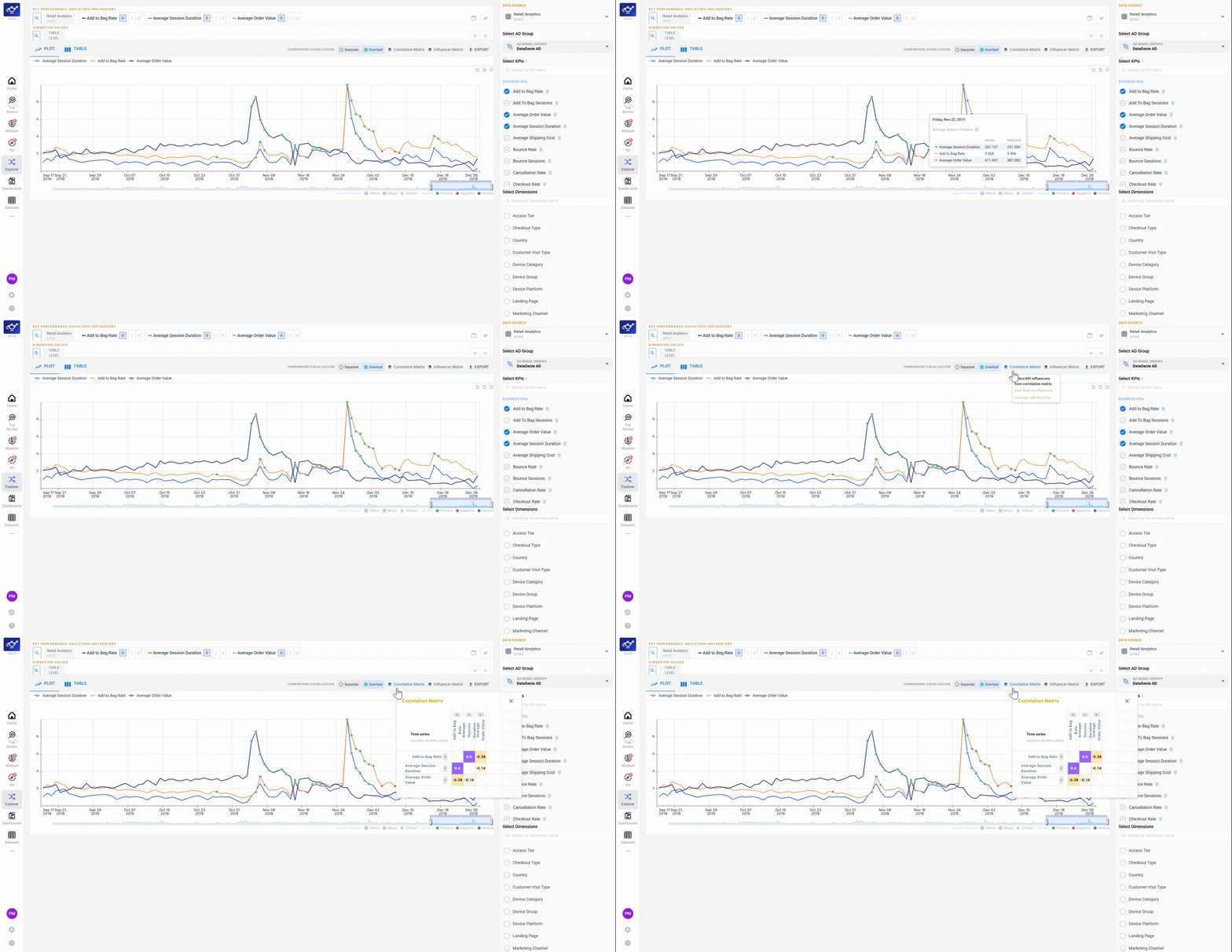
Apply a dimension filter to scope the analysis
Use the Country filter (or any available dimension filter) to narrow the matrix to a specific segment. Filtering scopes the correlation calculation to just that population — useful when you suspect a relationship holds in one market but not across all data.
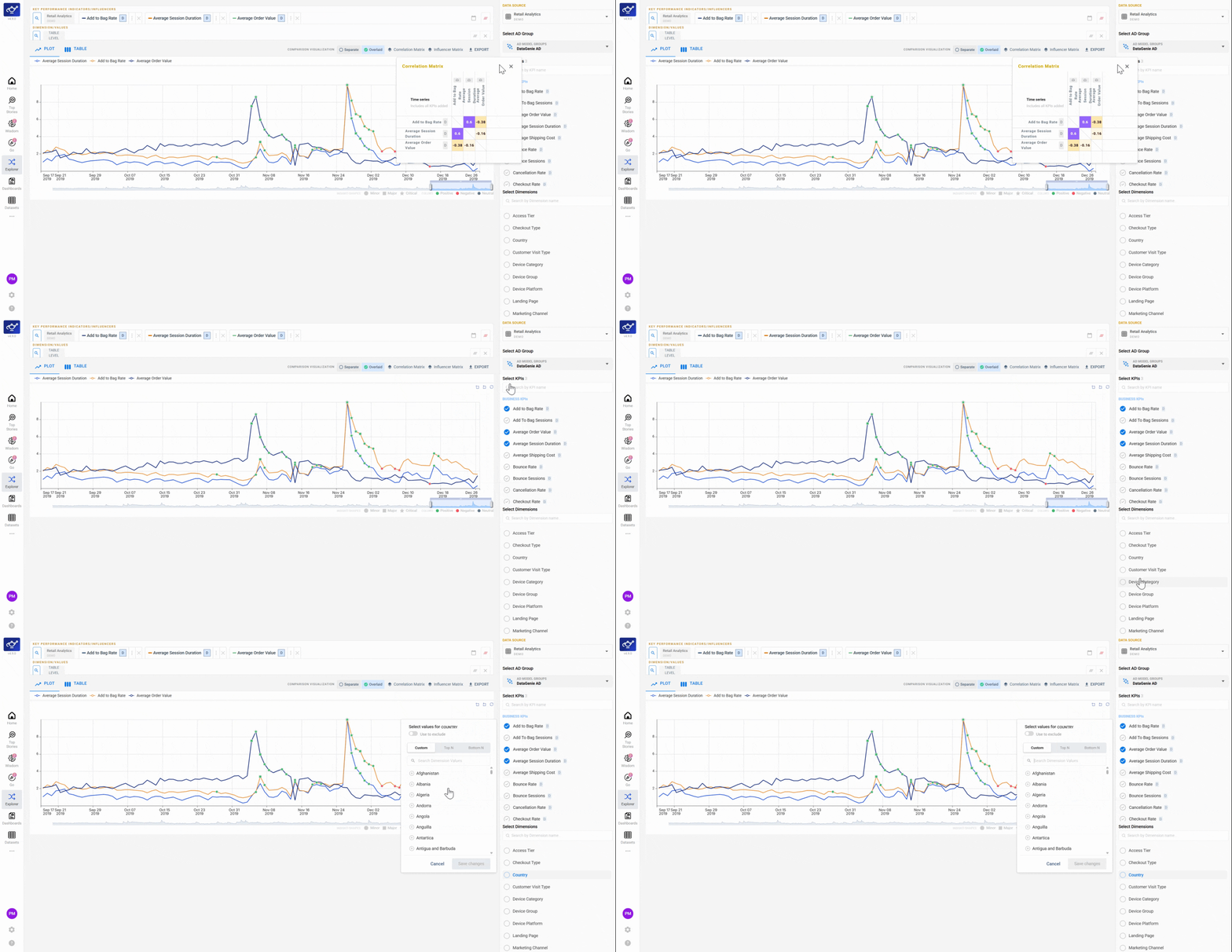
Select the KPIs you want to compare
Tick the checkboxes for the KPIs you want to include — revenue, orders, sales, or any metric in your dataset. The matrix updates to show only the selected KPIs, keeping the grid focused and easier to read.
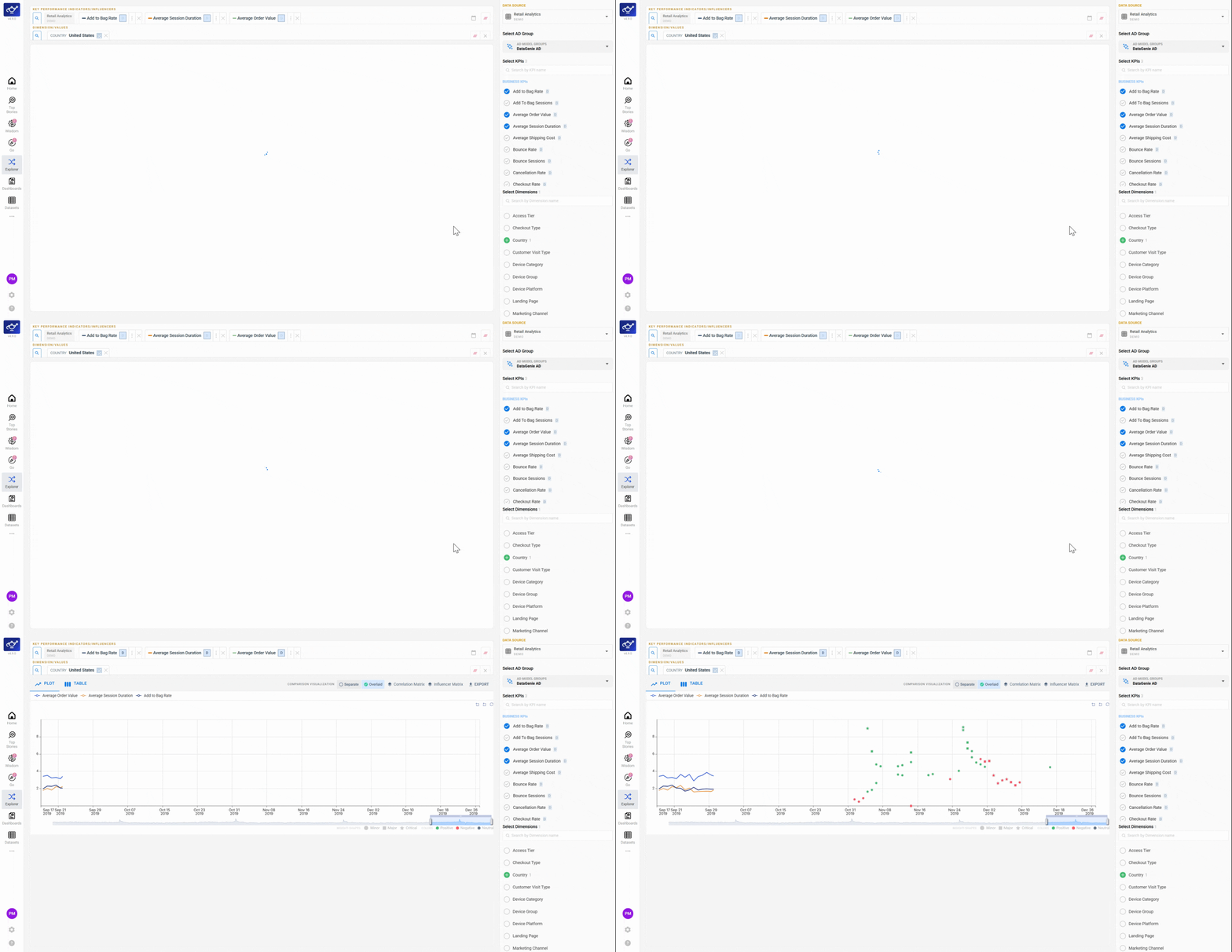
Read the color-coded correlation grid
Each cell shows the correlation coefficient between a KPI pair, color-coded by strength and direction. Dark positive colors mean the two metrics move together; dark negative colors mean they move in opposite directions; neutral shading means no meaningful relationship. Patterns stand out immediately without scanning individual numbers.
Review the top correlation summary
Scroll to the summary panel below the matrix to see DataGenie's highlights of the strongest correlations in your dataset. Use these to decide which KPI relationships to investigate further — or to validate a hypothesis before diving into Top Stories or Dimensional Analysis.
Run the Correlation Matrix early when onboarding a new dataset. Understanding the KPI relationship structure helps you interpret Top Stories more accurately from day one — you'll know whether a co-movement is structural or coincidental before you act on it.
What's next
Data Playground
Freeform KPI and dimension exploration. Compare timeseries, filter by dimension, and toggle chart/table views — without a predefined story or breakdown.
Dimensional Analysis — Top N & Bottom N
Rank dimension values by their contribution to a KPI — identify the highest-impact and lowest-performing segments at a glance.