

Roles & Permissions
Role-based access control over datasets, dashboards, and features — granular governance across your entire DataGenie workspace.
DataGenie uses a three-tier access model — Global, Tenant, and Dataset — to give the right people the right permissions without overexposing sensitive data.
When to use each role
| Role | Best for |
|---|---|
| Reader | Business users who consume autonomous insights — VPs of Analytics, directors, managers. View-only, no dataset or detection changes. |
| Editor | Analysts and data operators who tune detection — add panels, save Wisdom queries, adjust KPI definitions within their scope. |
| Admin | Dataset owners responsible for schedules, AD Groups, and access control for their datasets. |
| Global Admin | Platform administrators managing users, tenants, and workspace defaults. |
Be deliberate about who receives Editor and Admin access. Changes to KPI definitions, processing schedules, or AD Group assignments cascade across all stories and analyses downstream.
How to map roles and assign permissions
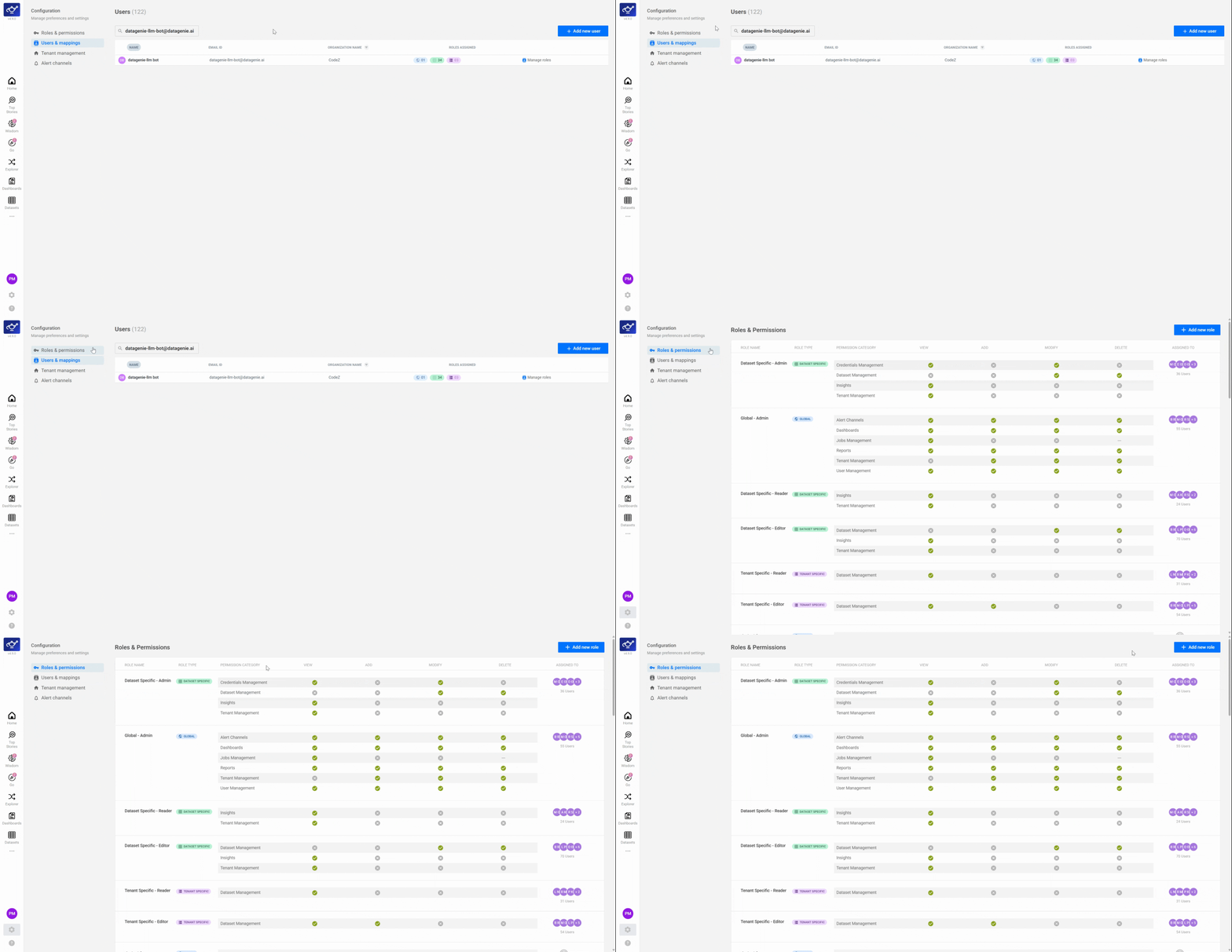
Open the Users and Mapping screen
Navigate to Configuration from the sidebar and open Users and Mapping. This screen shows all users in your organization and their current role assignments across the three access tiers.
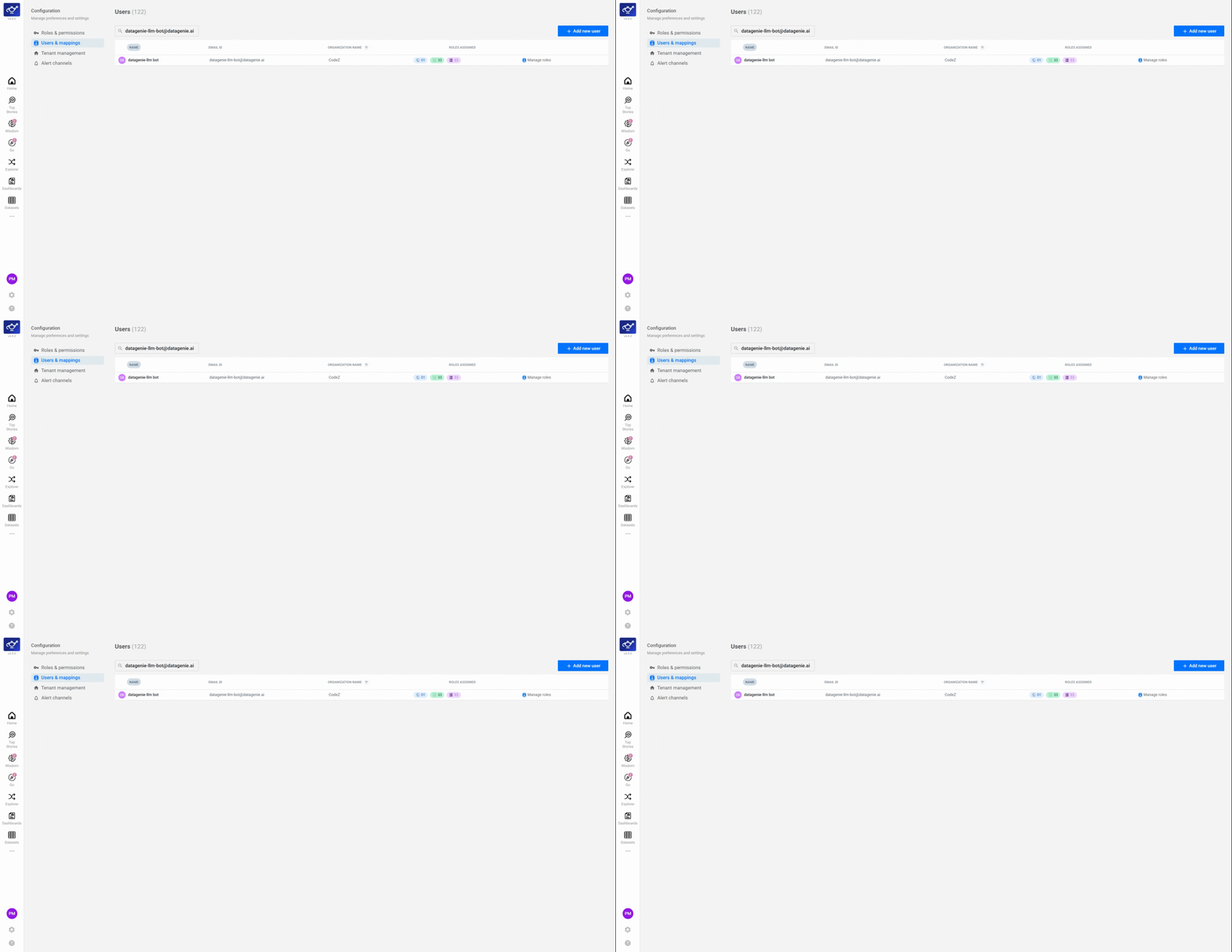
Find the user and click Manage Roles
Locate the user whose permissions you want to update, then click Manage Roles next to their name. Their role management panel opens, showing the full three-tier structure — Global, Tenant, and Dataset — ready to configure.
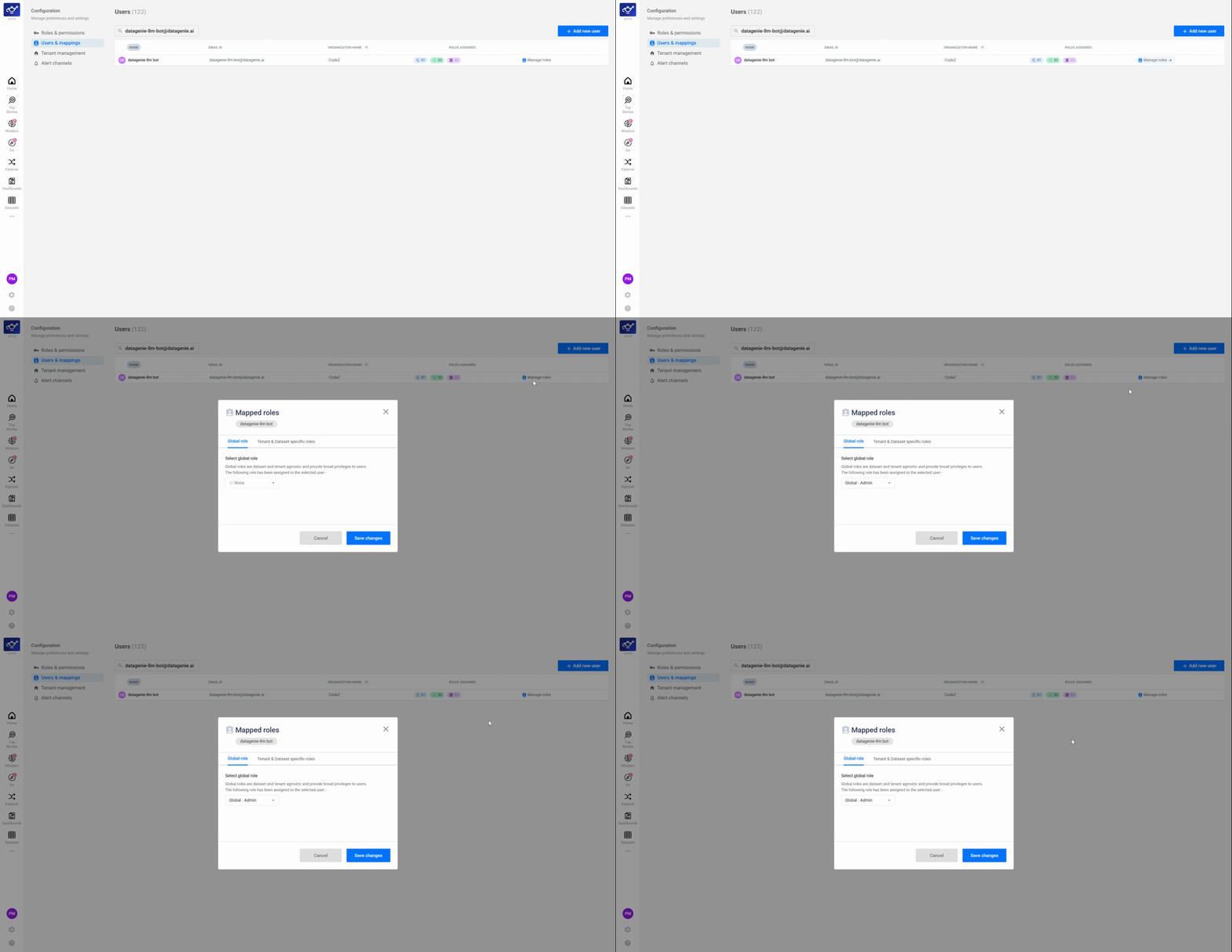
Assign a Global Role
Select a Global Role to set the user's organization-wide baseline permissions. The Global Role is the broadest tier — Global Admin grants full platform control, while Reader restricts the user to view-only access across all workspaces.
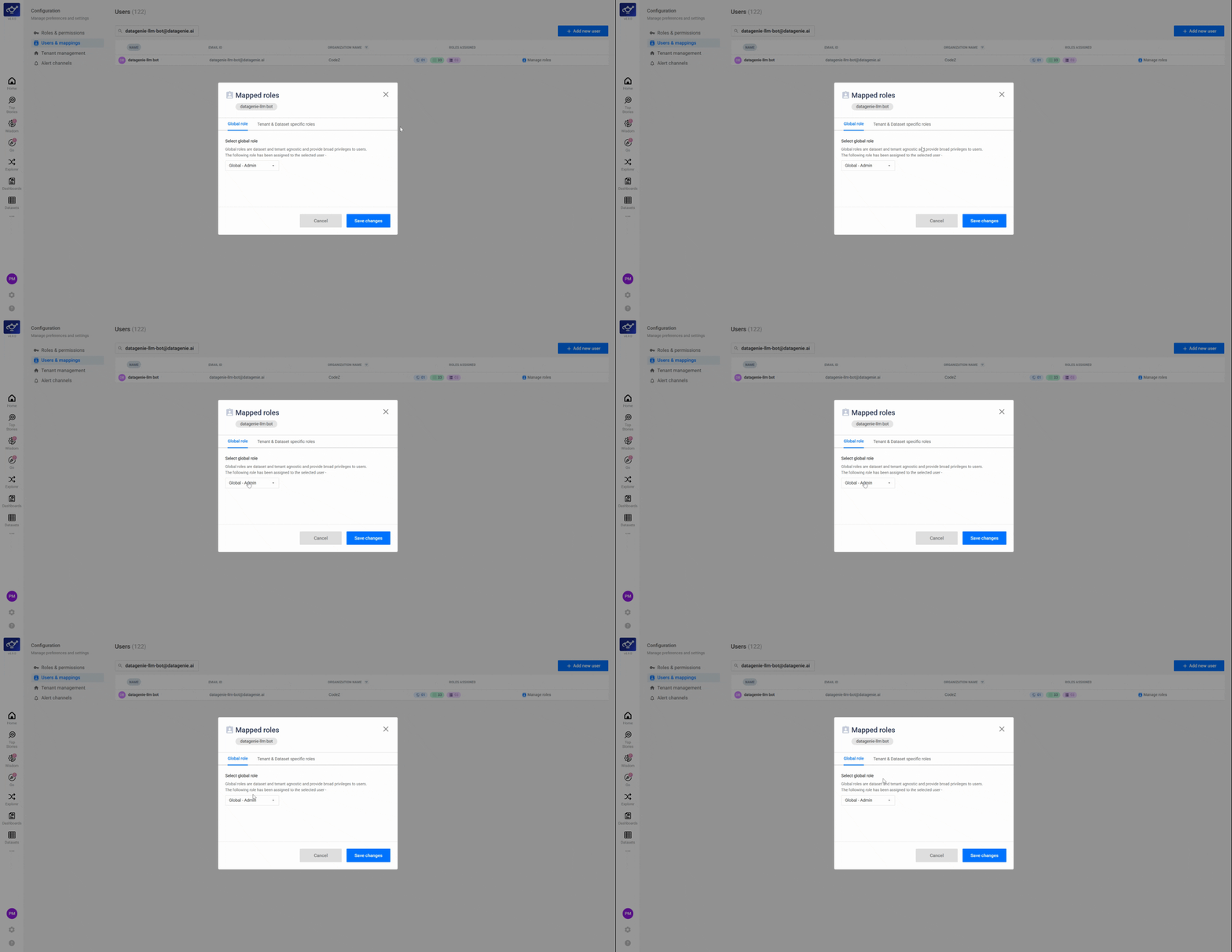
Set Tenant-level permissions
Select the user's Tenant-level permissions — Reader or Editor — for specific workspaces. Tenant-level access governs how the user interacts with the datasets and features within that workspace, narrowing the scope set by their Global Role.
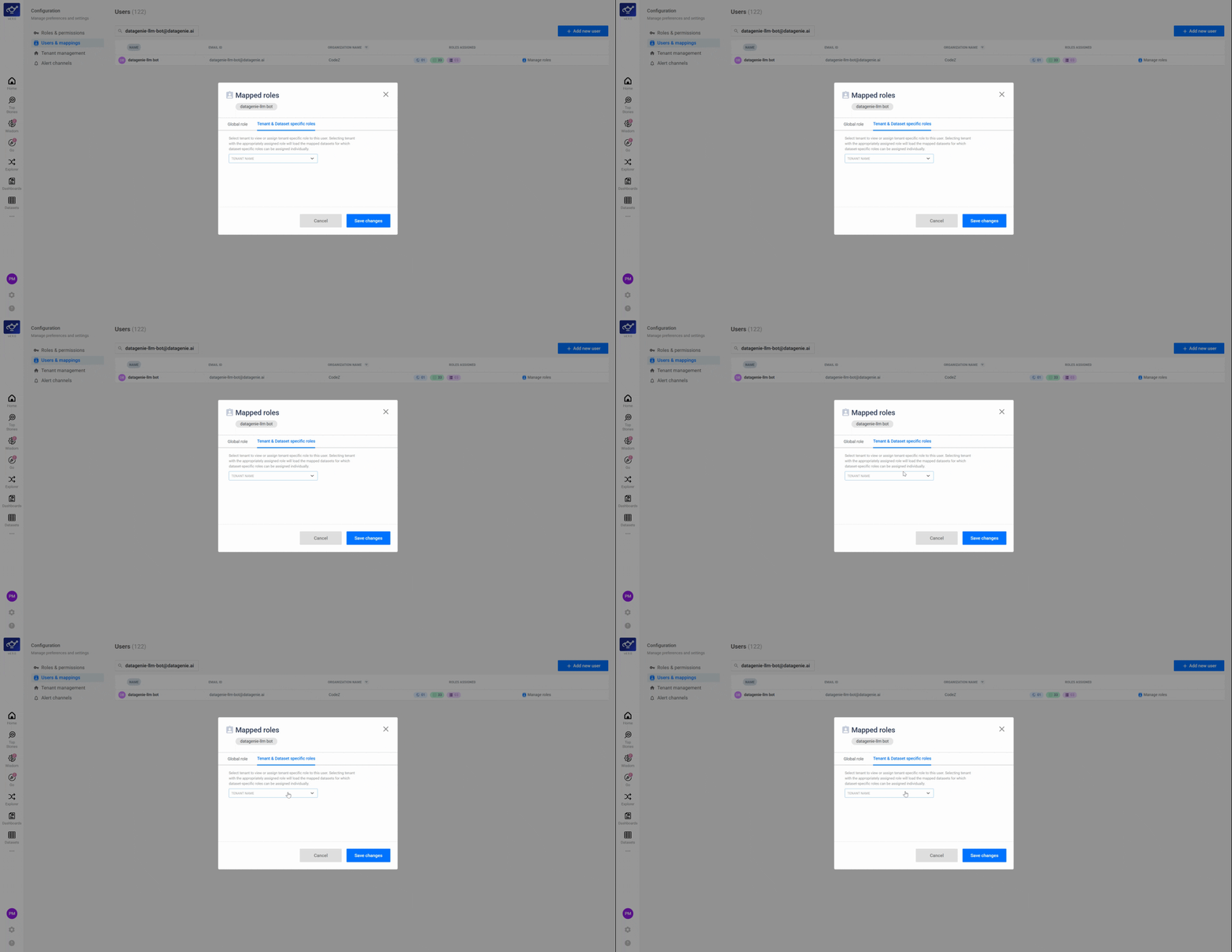
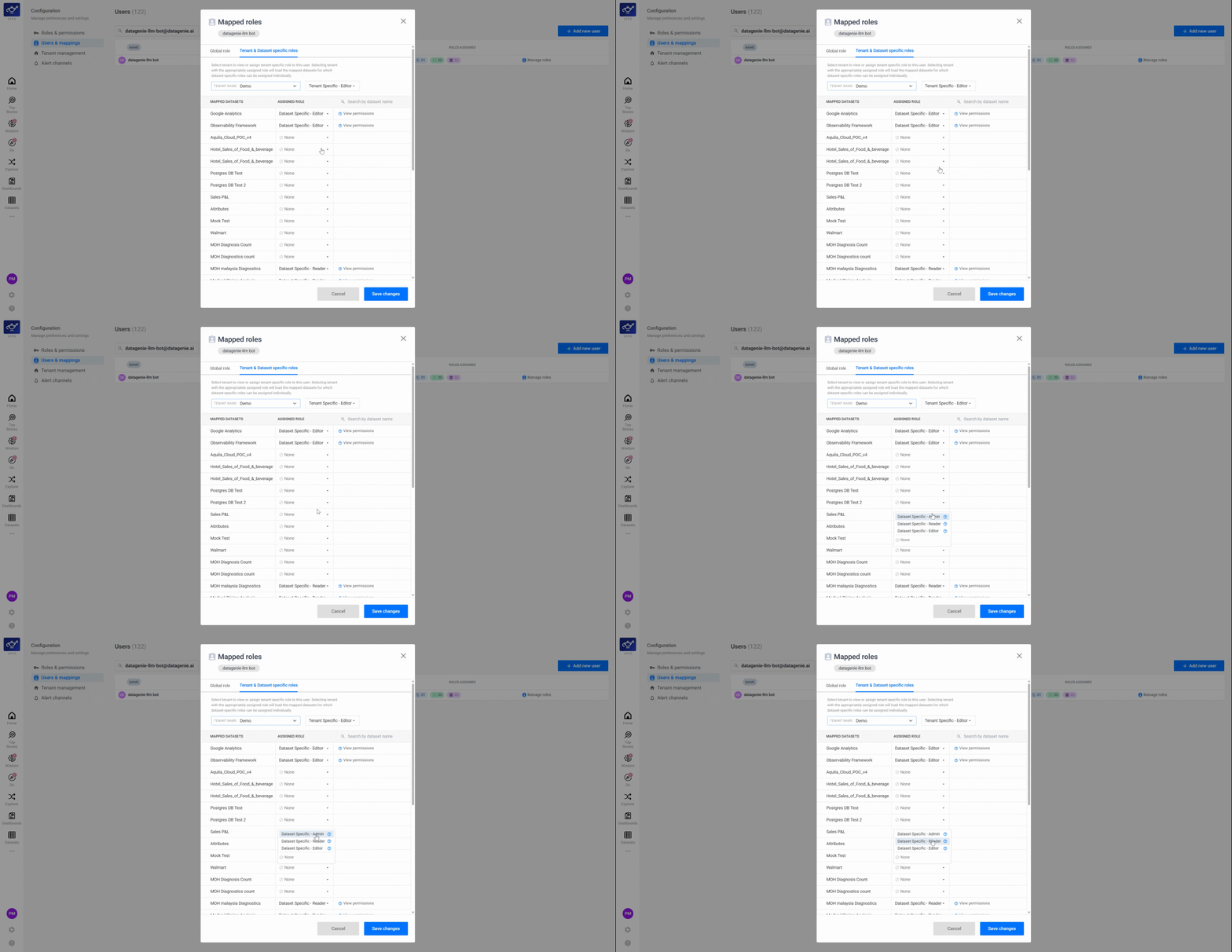
Assign Dataset-level access
For granular control, assign Reader, Editor, or Admin access per dataset. Dataset-level permissions are the most specific tier — use them to restrict access to sensitive datasets or grant elevated rights on a single dataset without changing the user's workspace-wide role.
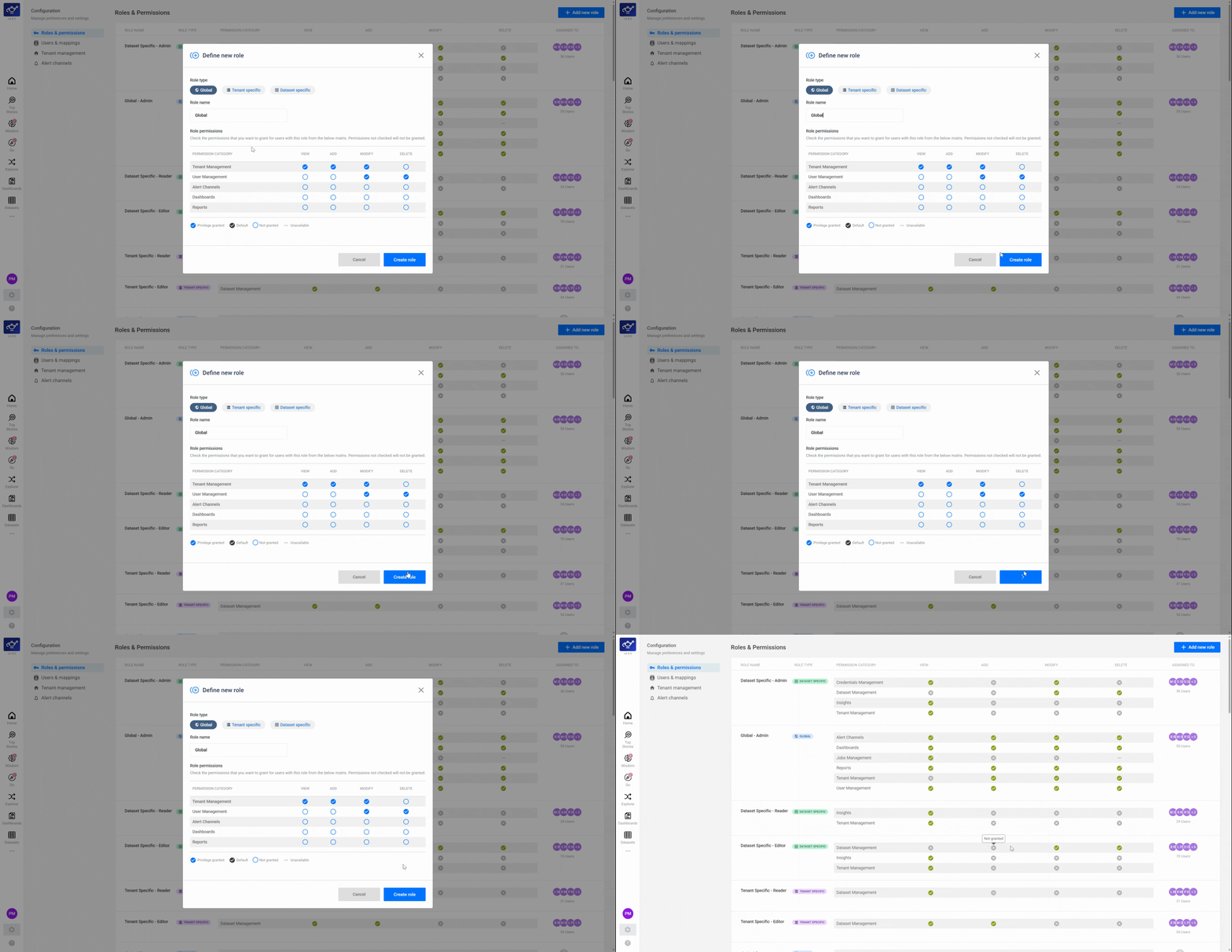
Create or modify Custom Roles
If the built-in roles don't match your organization's structure, admins can define and modify Custom Roles in the advanced settings. Custom roles let you combine specific capabilities — for example, a role that can view all datasets but only edit one specific KPI group.
Review all role assignments across tiers
After configuring each tier, review the complete role summary to verify assignments at Global, Tenant, and Dataset levels. Check that each tier reflects the intended permissions before saving — changes to Editor and Admin access cascade across stories, analyses, and downstream features.
Confirm the complete three-tier access setup
Do a final check of the full role structure — Global baseline, Tenant workspace access, and Dataset-level permissions — to confirm everything is configured correctly. Once saved, the user's access updates immediately across the platform.
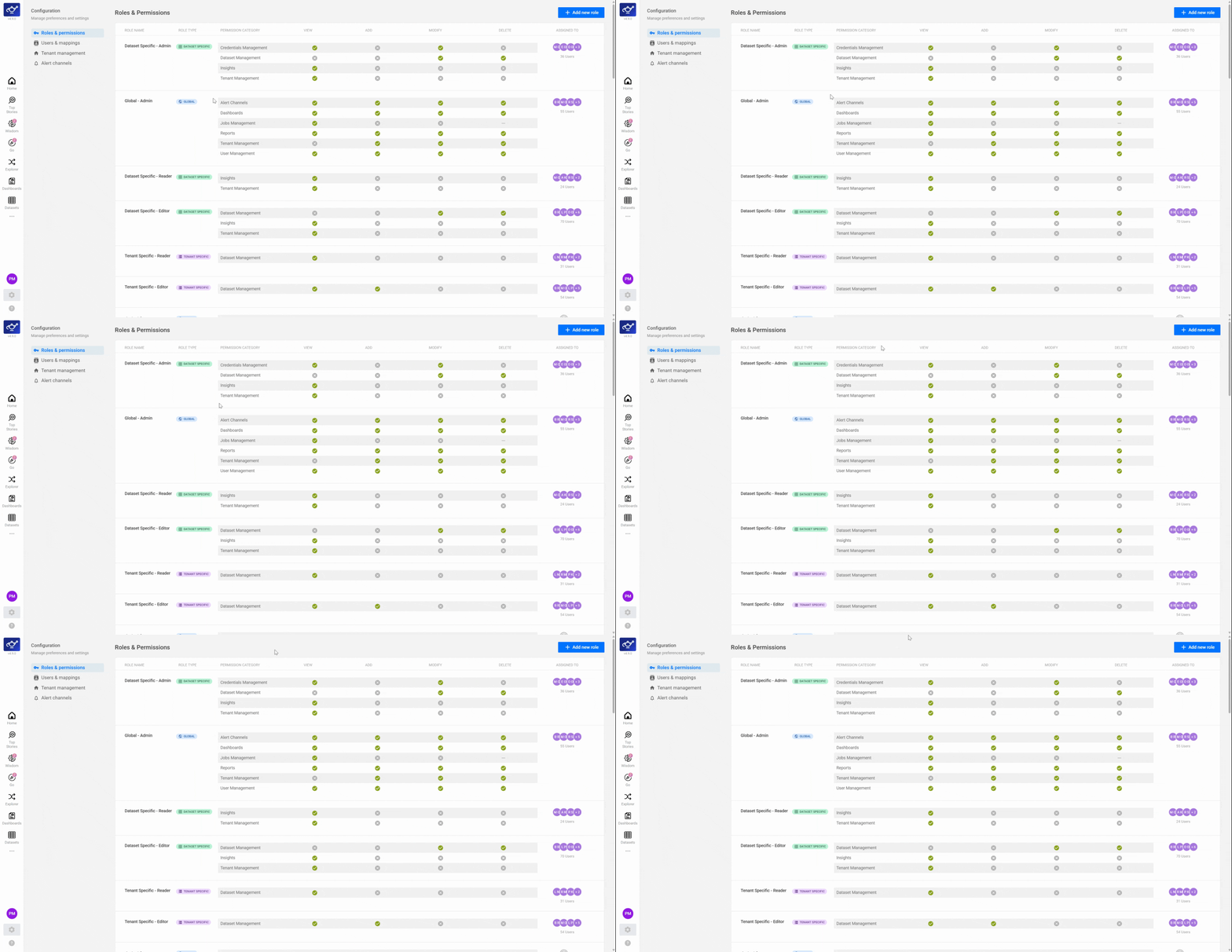
Role types
Keep roles simple. Use the smallest number of roles that still matches how your teams work, then apply dataset-level access where necessary.