

Creating a Brief
Write your intent in plain English and set up a repeatable agentic report in seconds.
Creating a Brief starts with a simple idea — your intent. There are no complex forms; the time window, depth of analysis, and focus area all live inside your prompt. If you can describe it to an analyst, you can create a Brief.
How to create a Brief
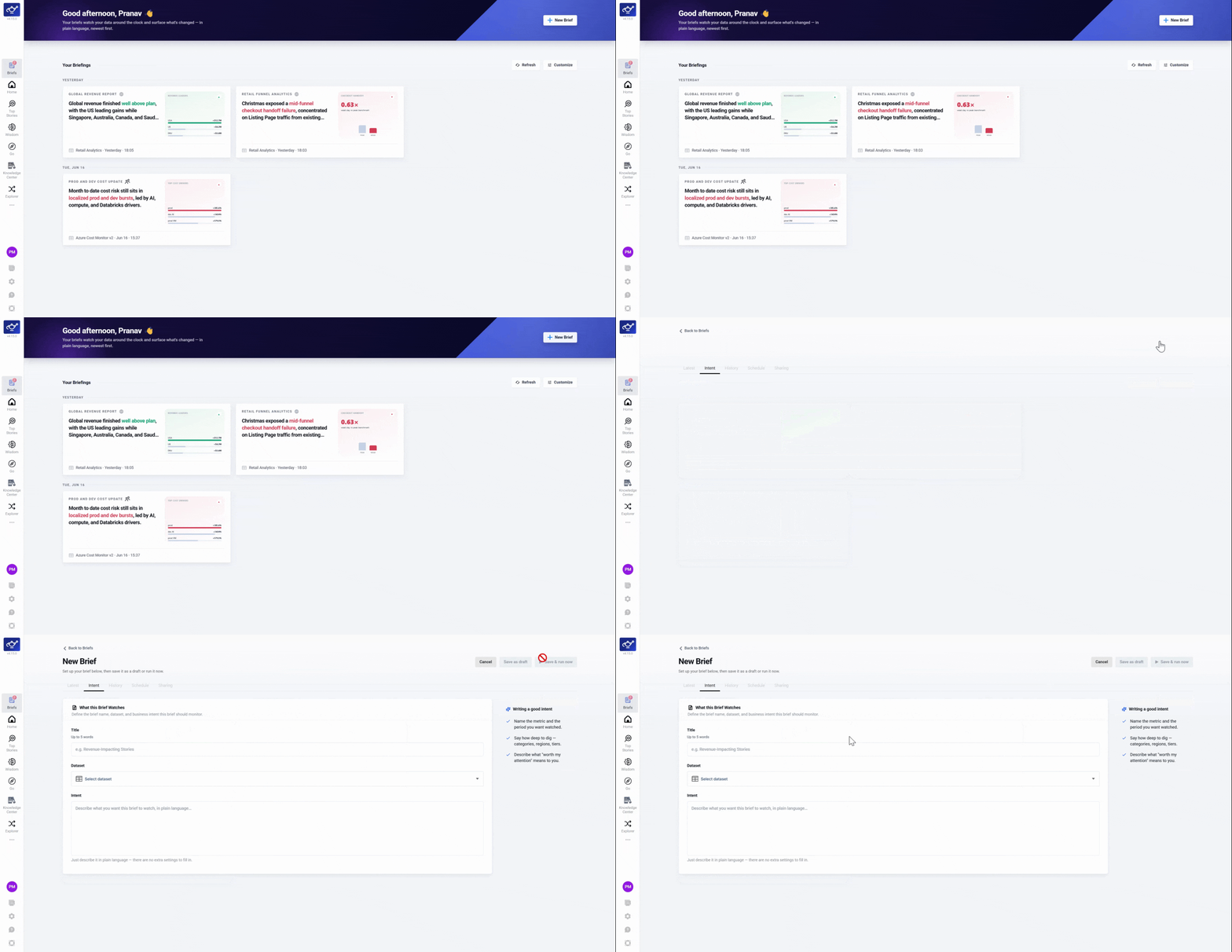
Click Create a Brief
Open Briefs from the left sidebar and click Create a Brief to open the creation panel.
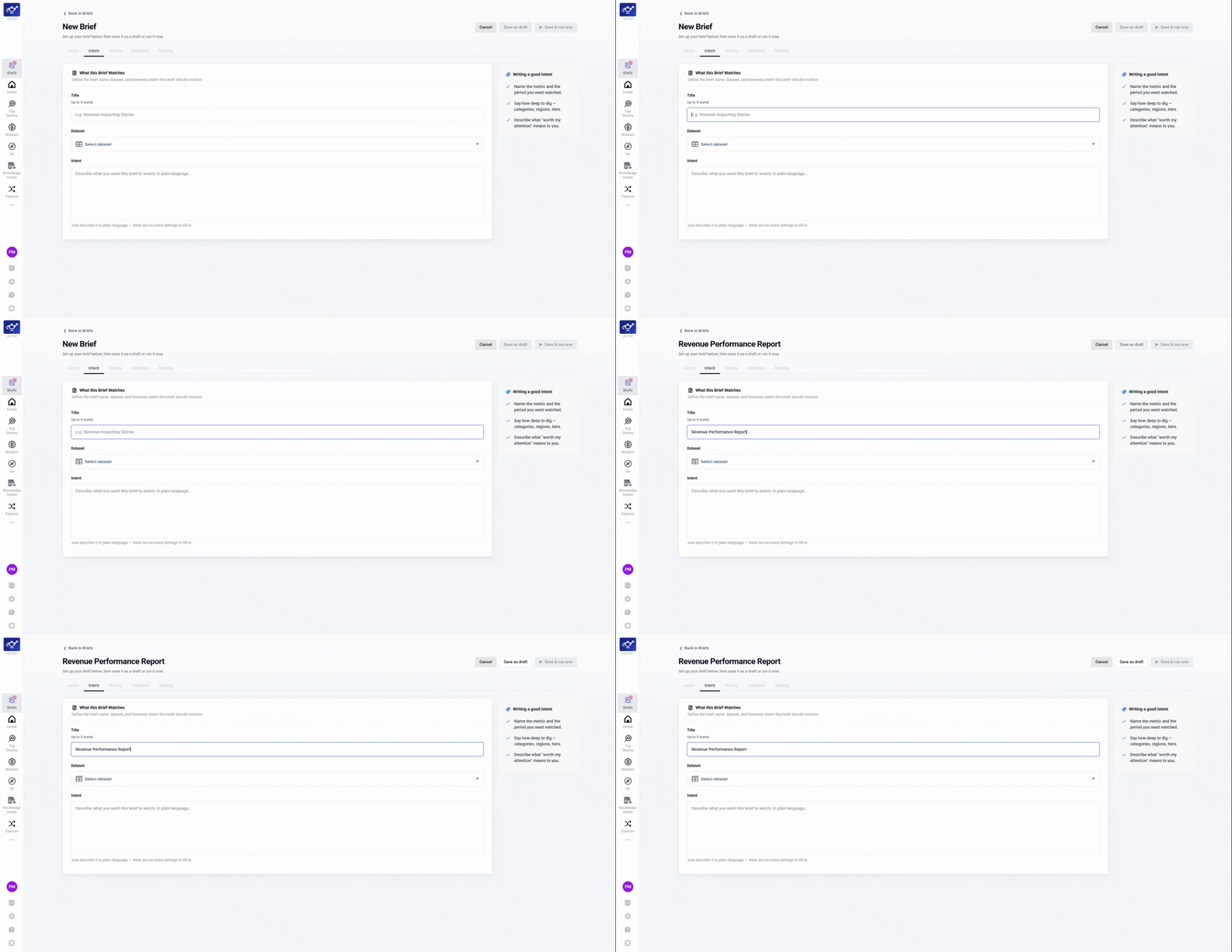
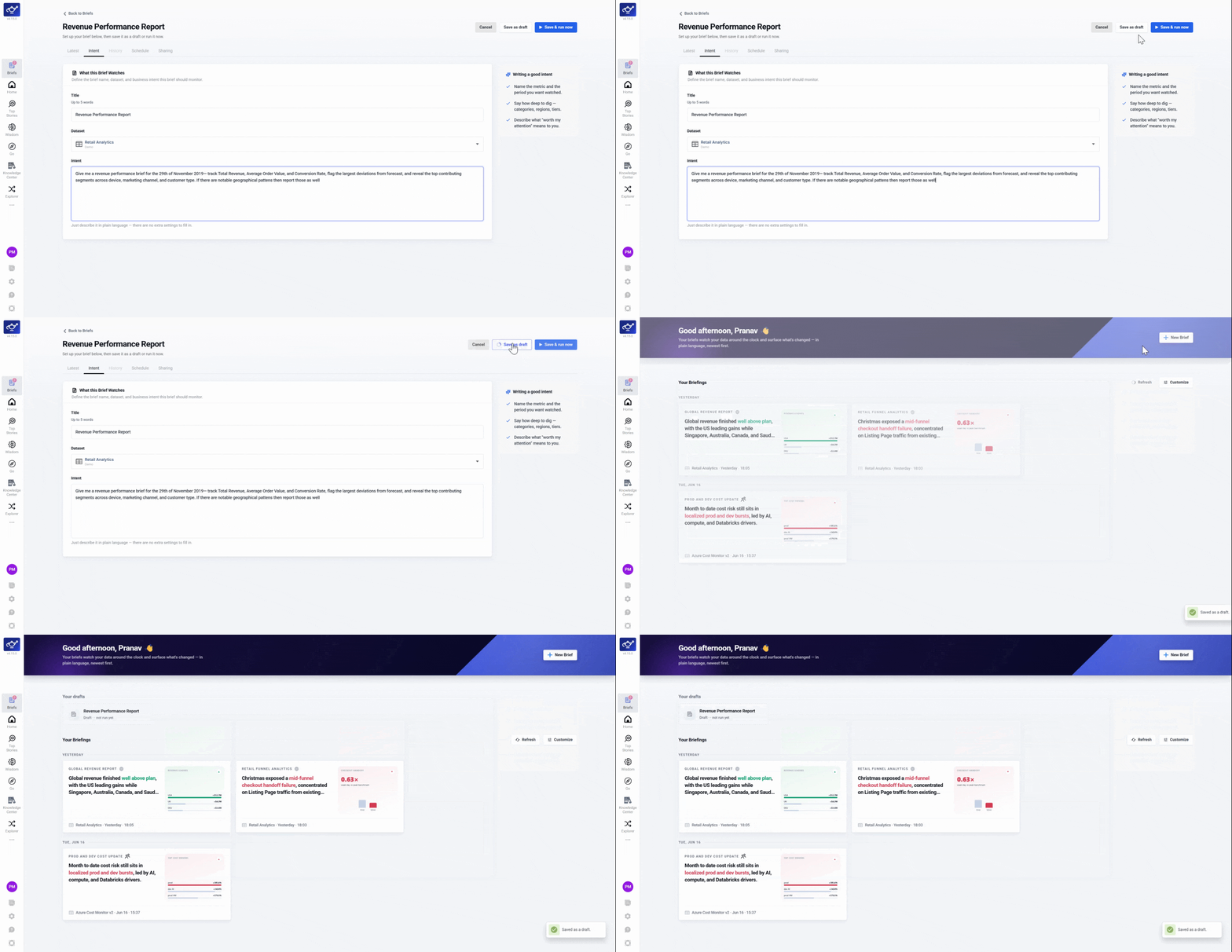
Add a title
Enter a short, descriptive title — this becomes the report headline in your feed and email.
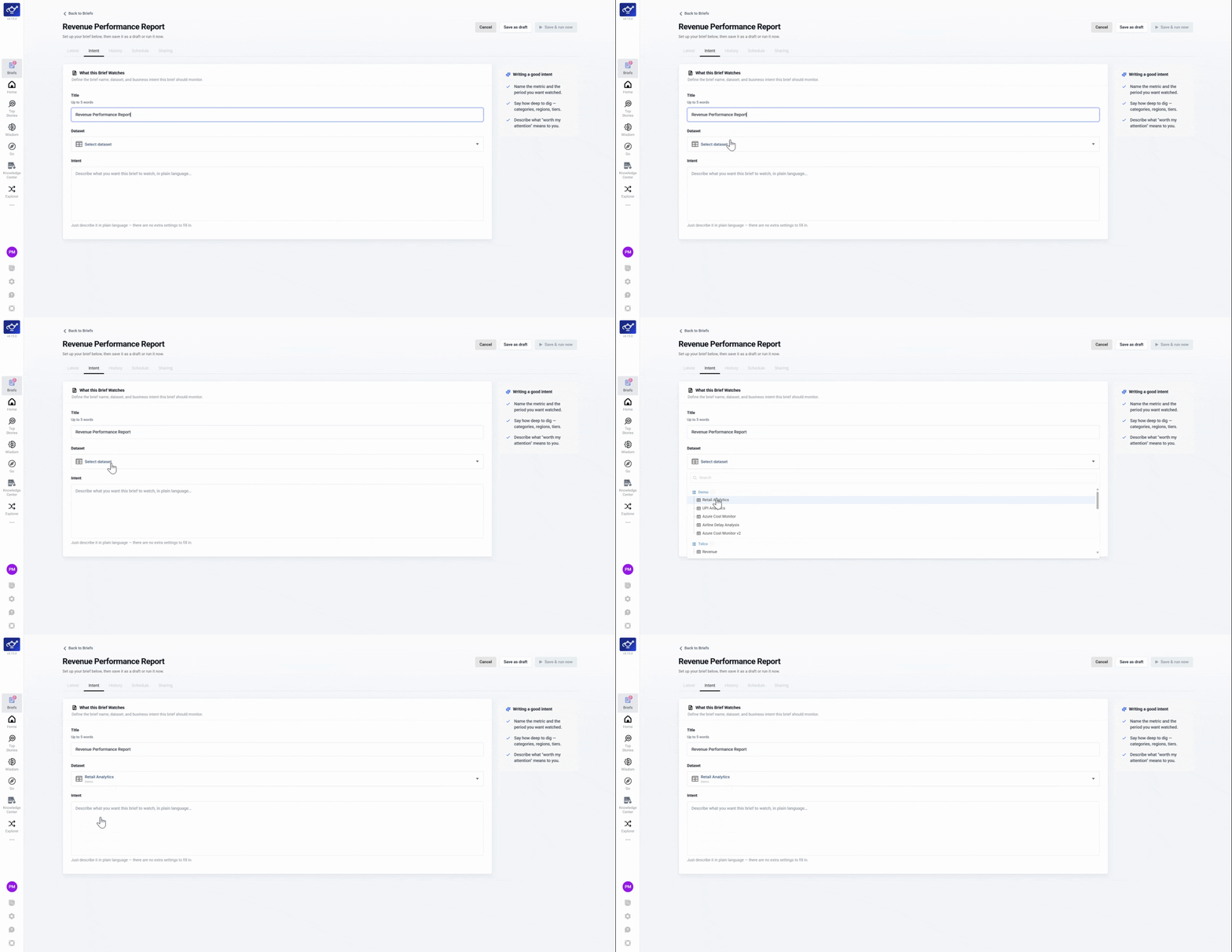
Select a dataset
Choose the dataset you want the Brief to track.
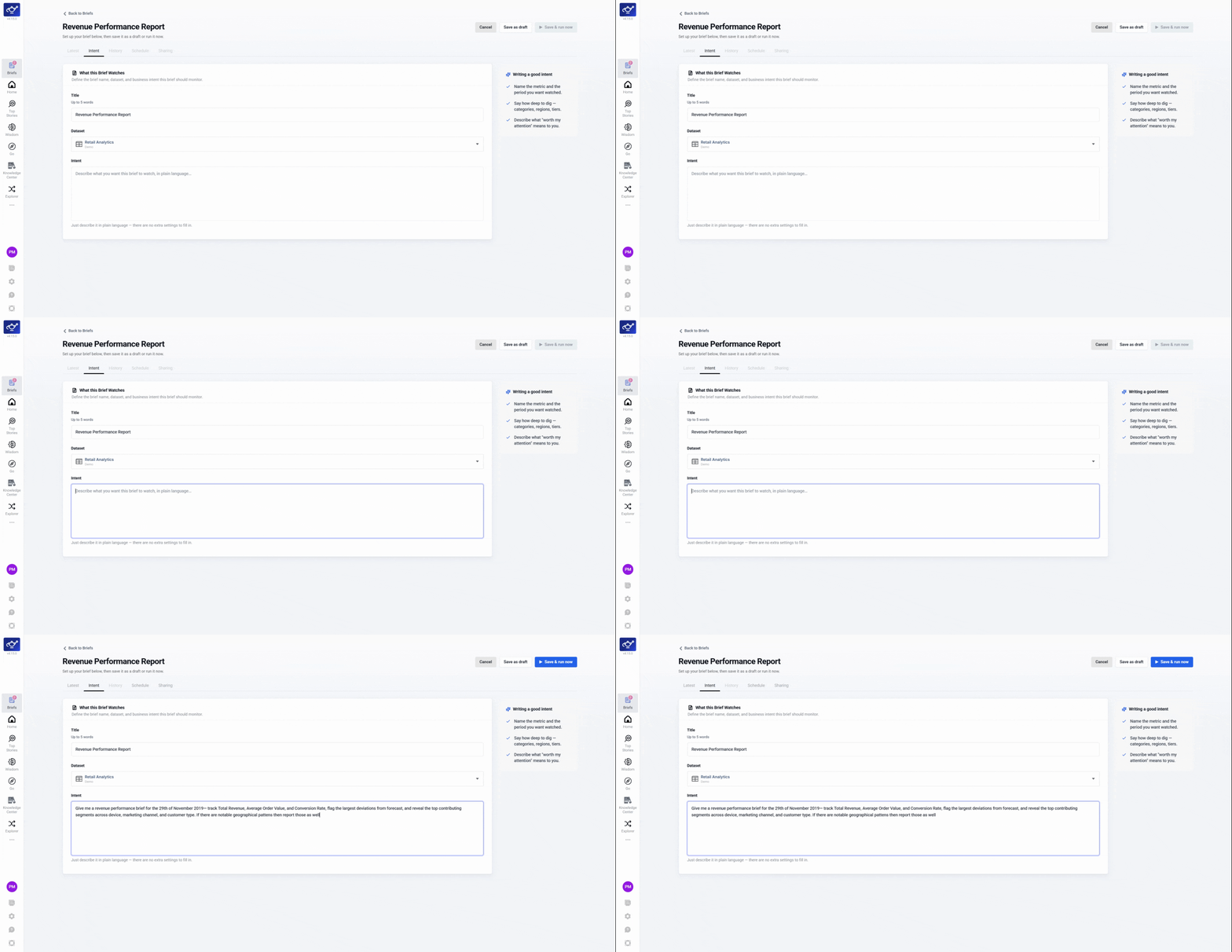
Describe your request
Type what you want to track in plain language — include the KPI, time window, and any focus areas. The prompt is the interface; no extra config needed.
Review and save
Check the summary, then save. The Brief card appears in your feed, ready to run now or on a schedule.
Keep your dates relative — "the prior day" or "the past week" — so a scheduled Brief always rolls forward without edits.