Scheduling, Feed & Subscriptions
Run Briefs on a cadence, manage your feed, and get insights delivered to your inbox automatically.
A Brief can run the moment you create it, or on a repeating schedule. Once it runs, results land in your Feed and in your inbox — so insights come to you, not the other way around.
How to schedule and manage your feed
Open Briefs and start a new Brief
Log in and click Create a Brief from the Briefs dashboard to begin.
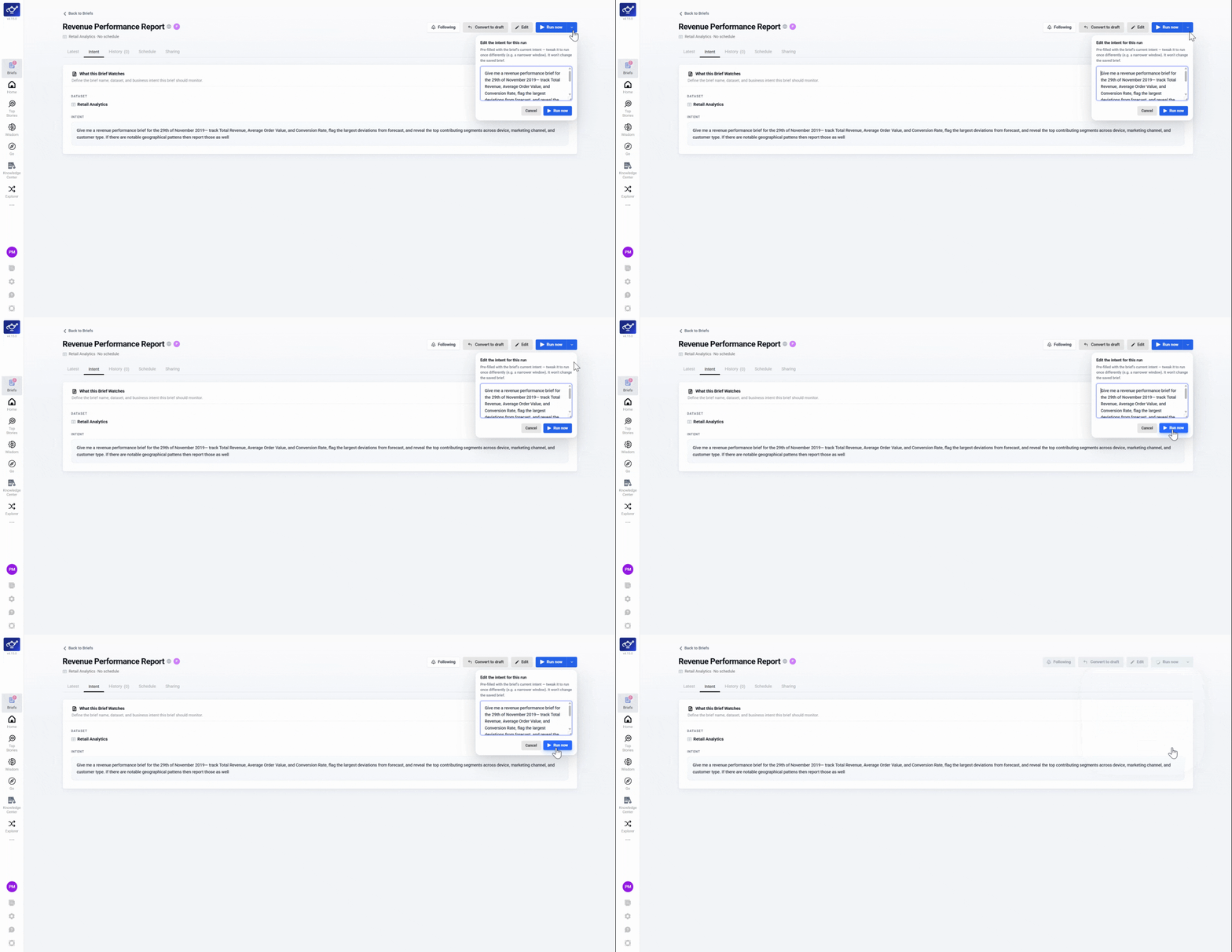
Run now or schedule
After configuring your Brief, click Run Now to generate it immediately, or set it to run on a recurring schedule.
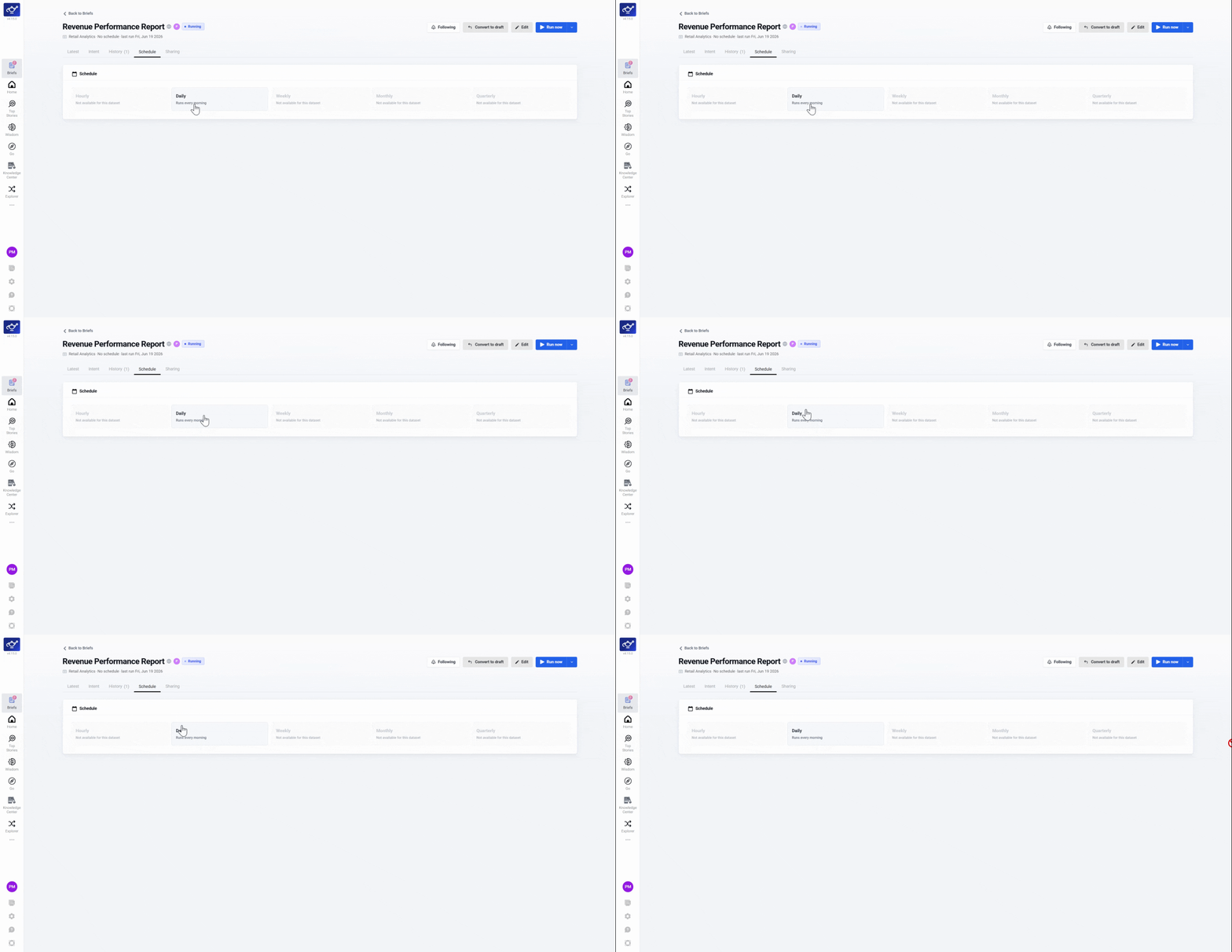
Set time granularity
Choose your preferred cadence — daily, weekly, or otherwise. The Brief will use this setting for every subsequent run.
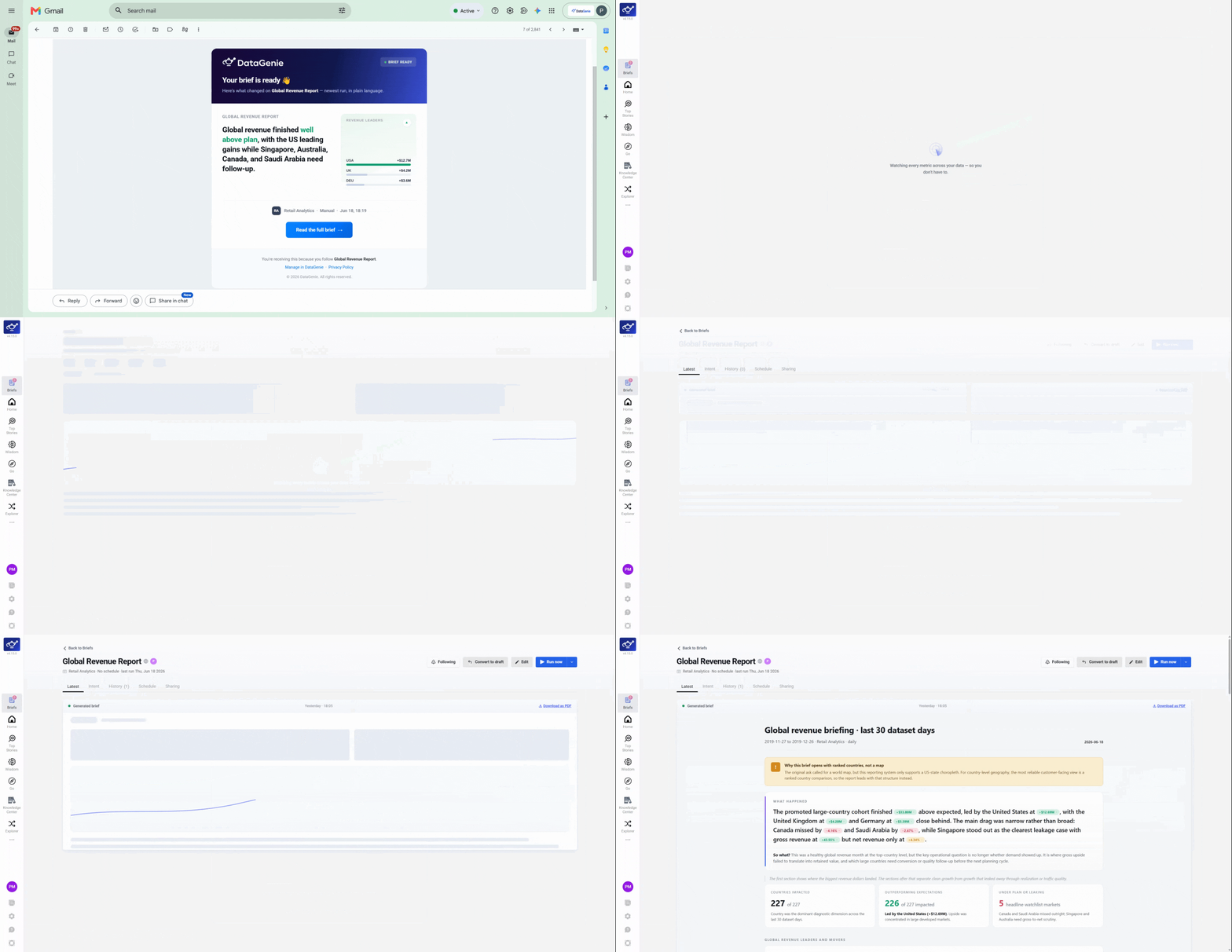
Read your Brief in the Feed
Once processed, the Brief lands in your Feed — a newsletter-style stream of highlights grouped by date.
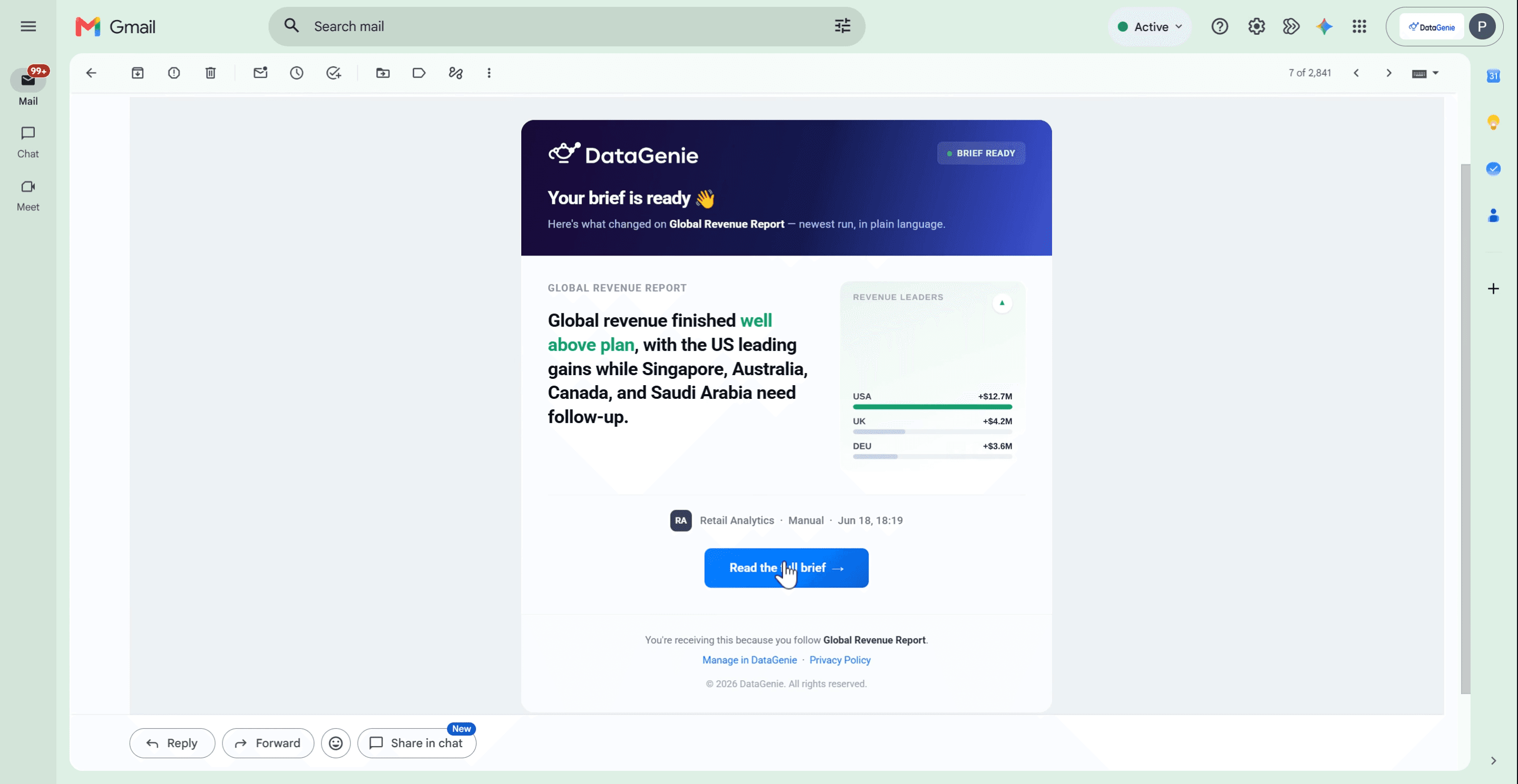
Customize your feed
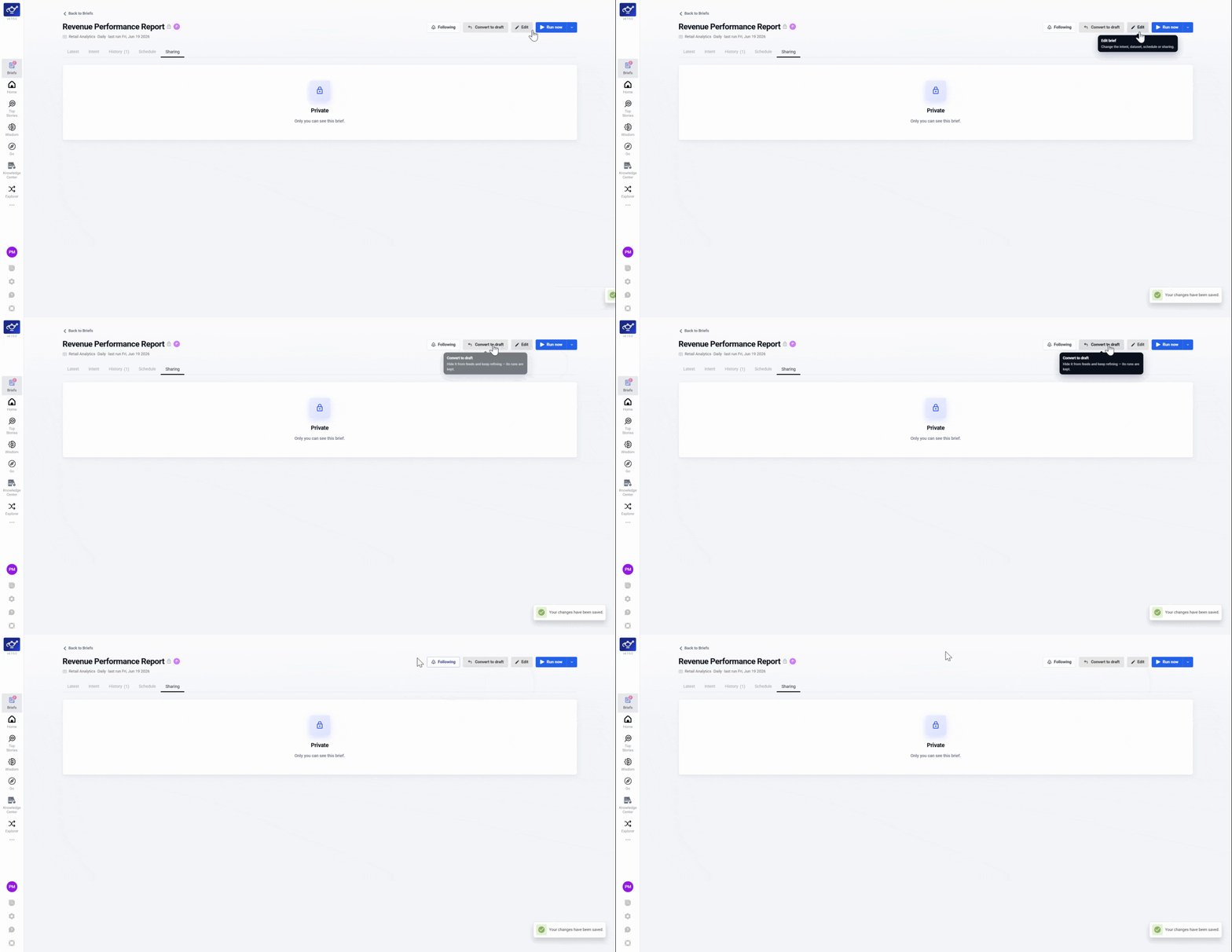
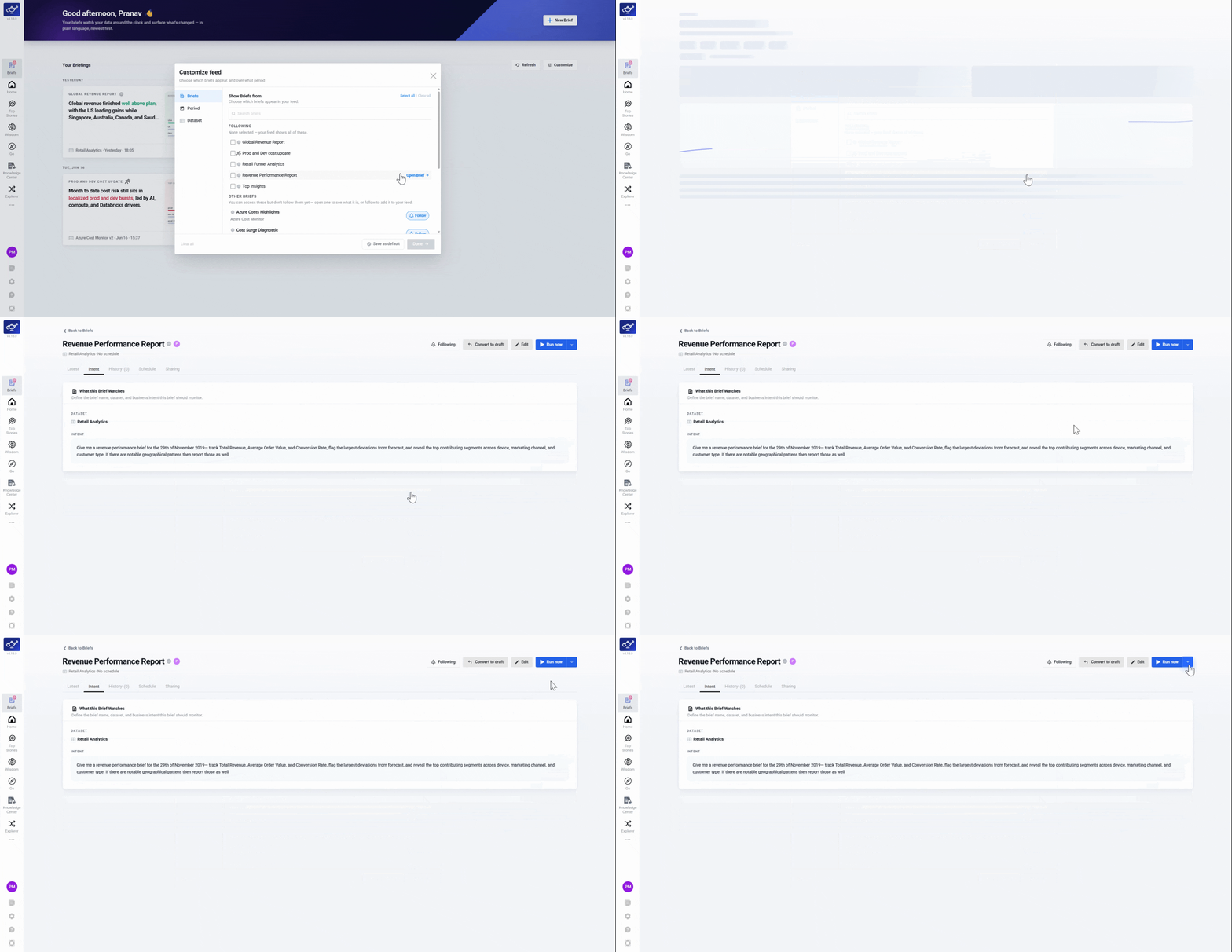
Click Customize to filter by time period or intent. Follow the intents that matter and unfollow the rest — unfollowing only clears your view, it doesn't remove anyone else's access.
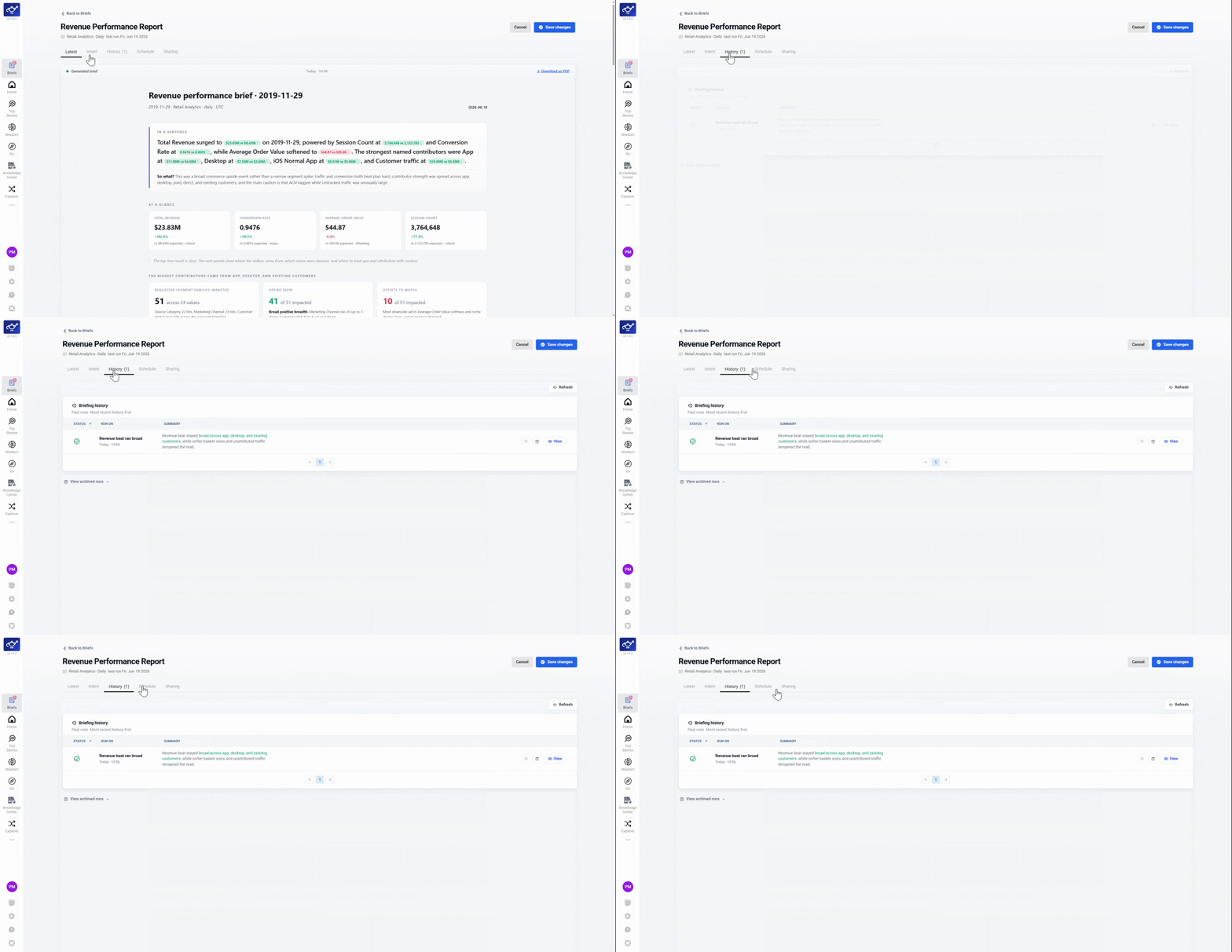
View Brief history
Use the History tab to look up and reference any previous Brief run.
Save as a draft
Save any Brief as a Draft before running it — useful for reviewing or editing the intent before it goes live.