

Sharing & Permissions
Control who can view, run, or edit your Briefs with three access levels — set at creation, adjusted anytime.
Briefs are built to be shared — on your terms. As the owner, you control who sees, runs, or edits each Brief. Access is set at the moment of creation and can be updated anytime. See RBAC & Access for the underlying permission model.
How to share a Brief
Open a Brief
Click any Brief card from your feed to open it. The sharing control is accessible from inside the Brief.
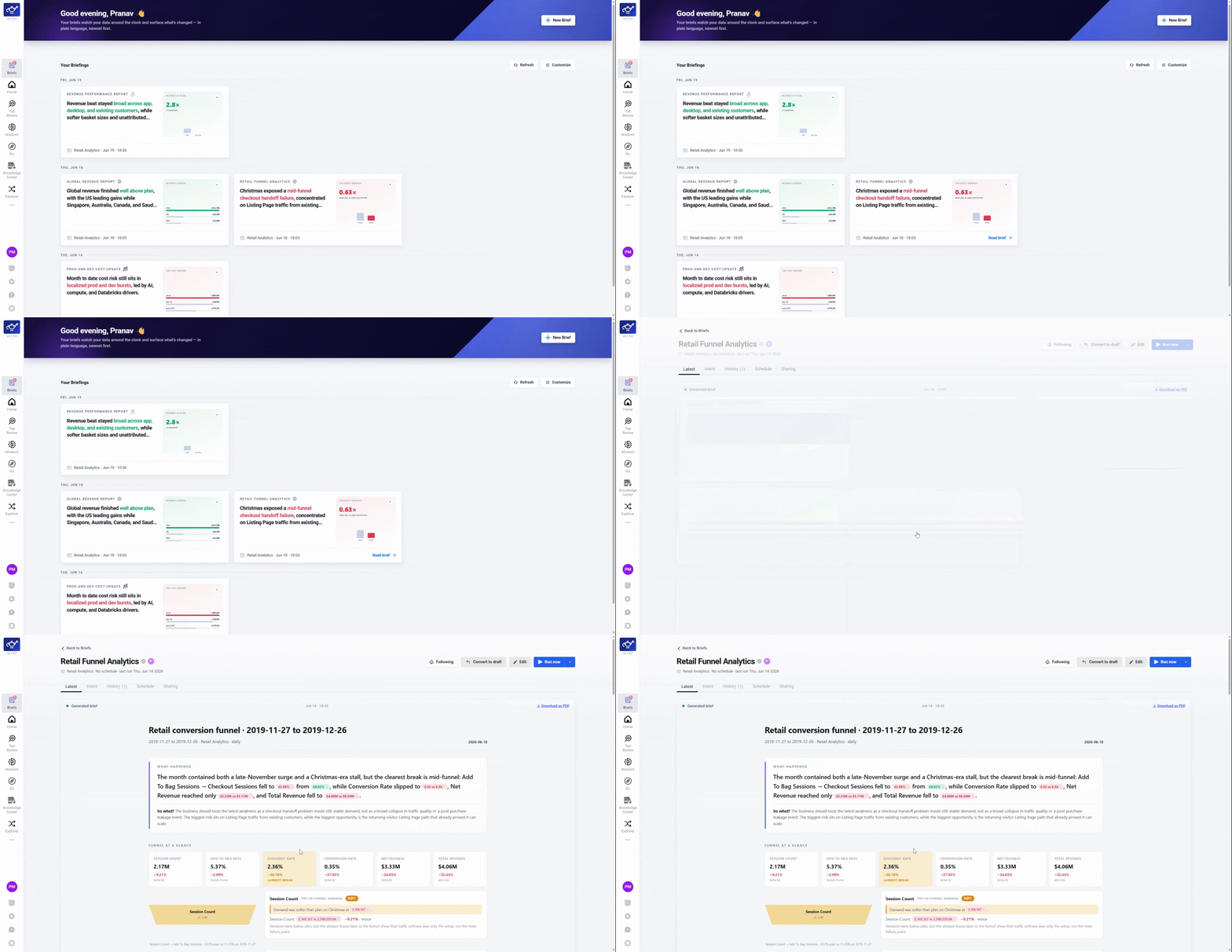
Select your privacy level
Choose Private, Shared, or Public to set who can access the Brief.
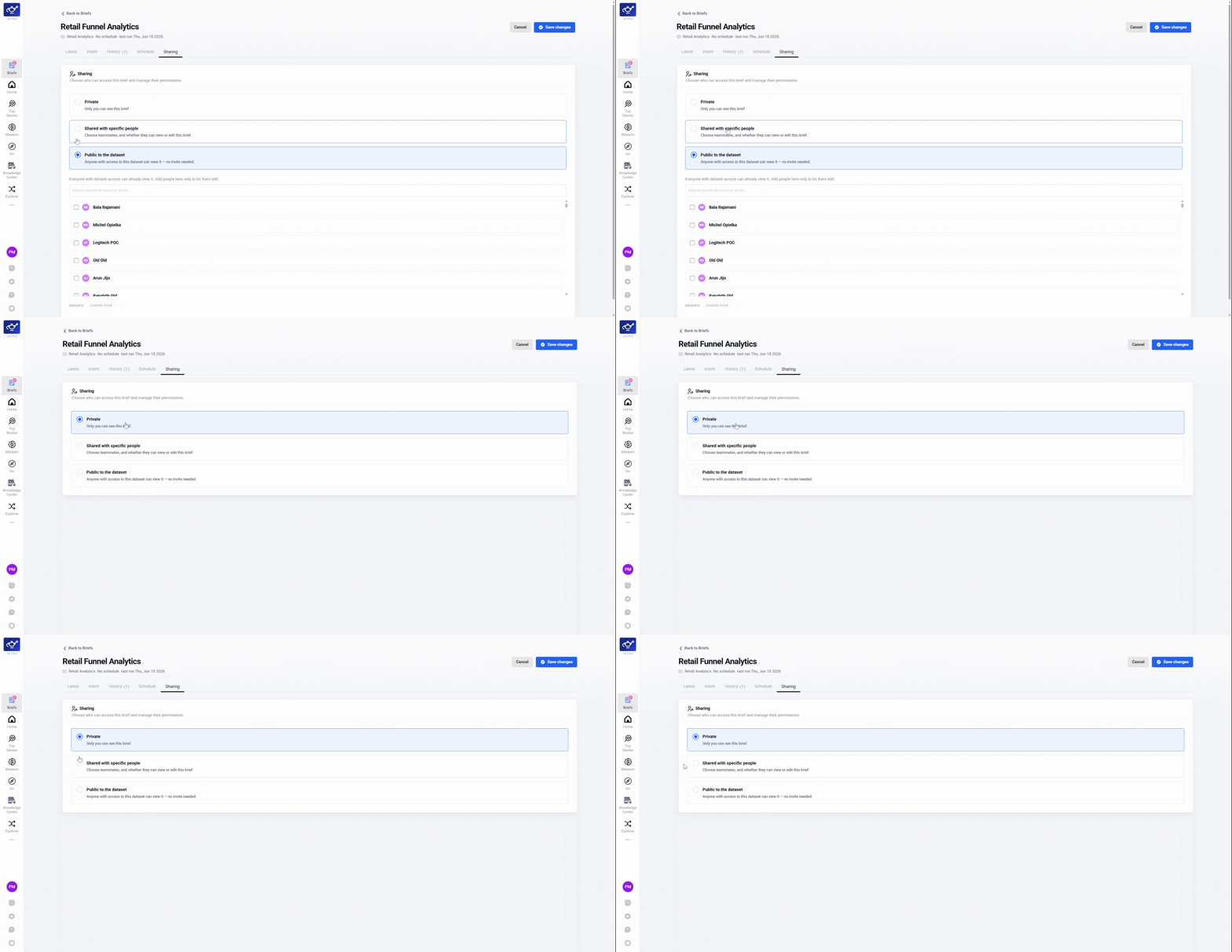
Add people or groups (if Shared)
If you selected Shared, pick the people or groups and assign each View or Edit & Run permissions.
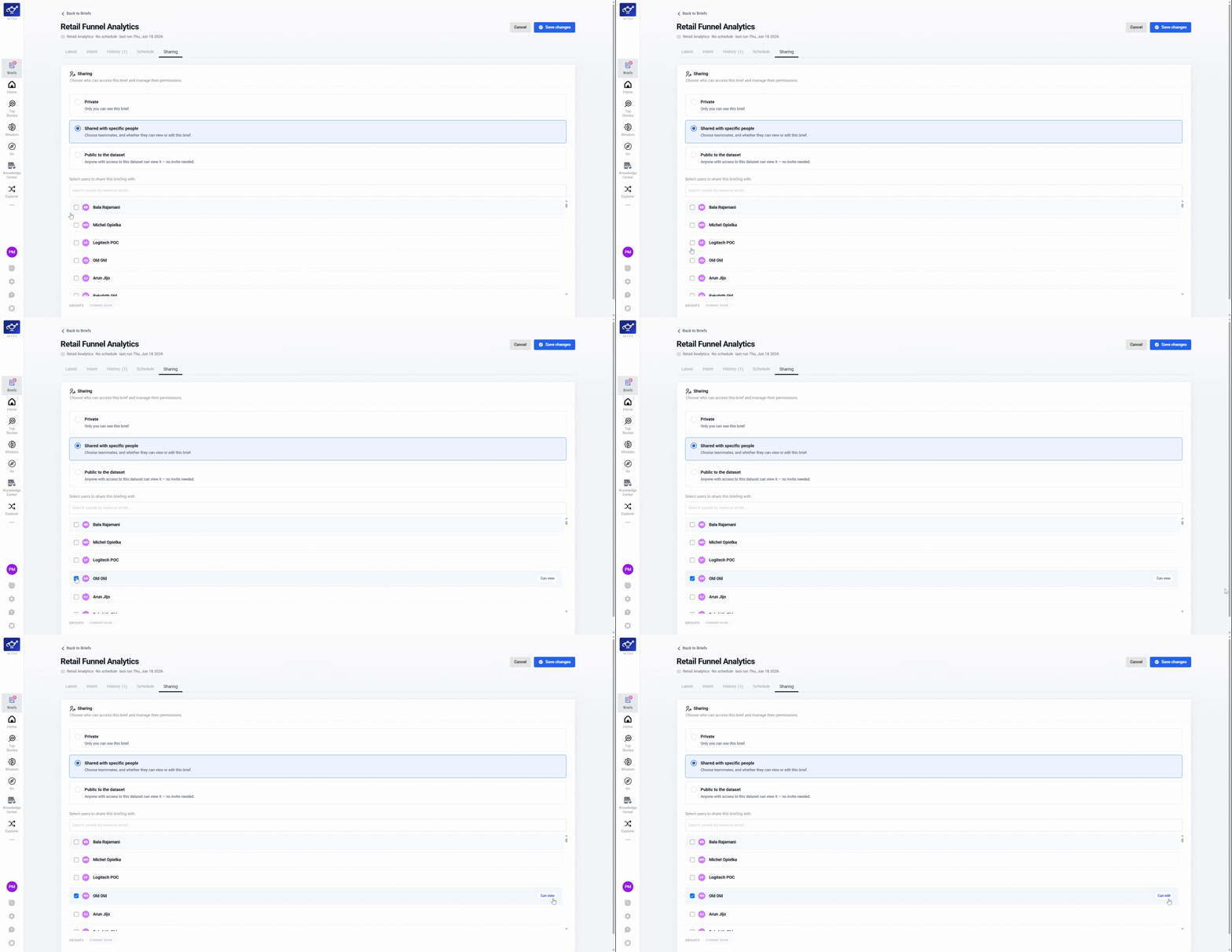
Confirm
Review your settings and click Confirm. The privacy icon on the Brief card updates immediately.
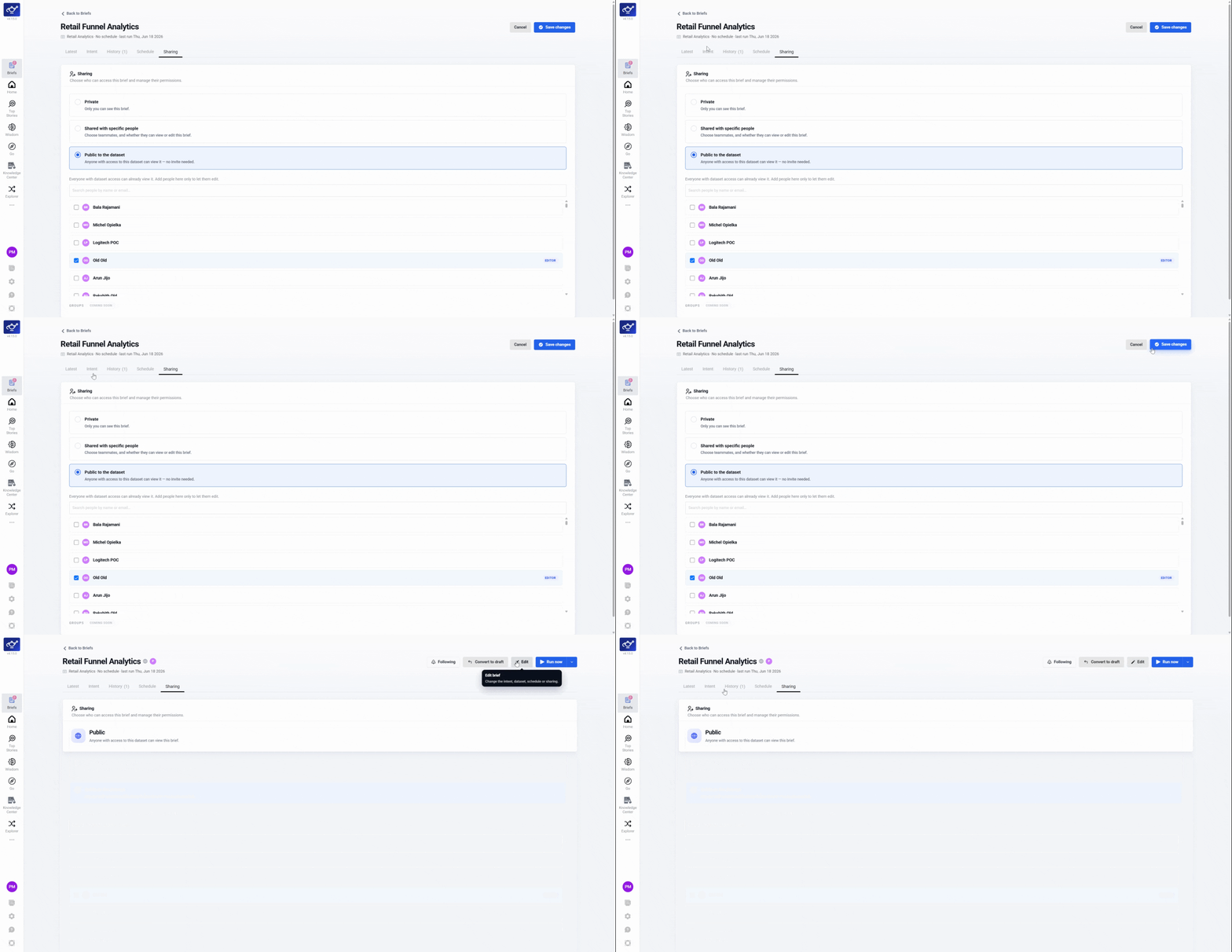
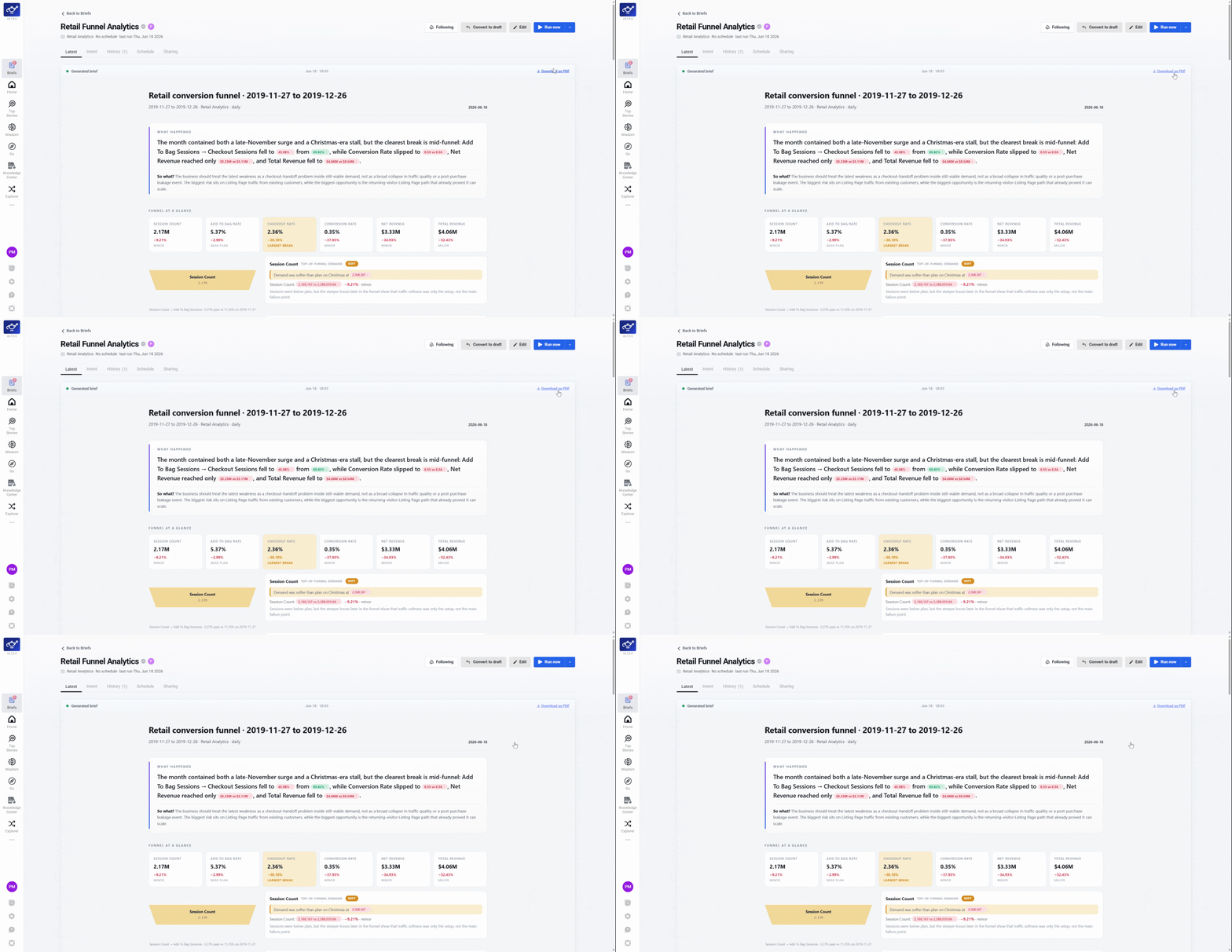
Download as PDF
Click Download to save the Brief as a PDF if you need a hard copy.
Sharing controls are also available inline during Brief creation — so your Brief is ready to share the moment it's saved.