

Briefs
Agentic reports that consolidate your Top Stories into a single, citation-grounded narrative. Your daily analyst, delivered.
Briefs is an agentic report. You describe what you want to track in plain English, and Briefs acts like an analyst — running the queries, consolidating the day's Top Stories, and stitching it all into a single, business-ready narrative. Every number is citation-grounded: hover any figure to trace it straight back to its source. See Autonomous Insights for the detection model that powers every story Briefs consolidates.
How to use Briefs
See the problem Briefs solves
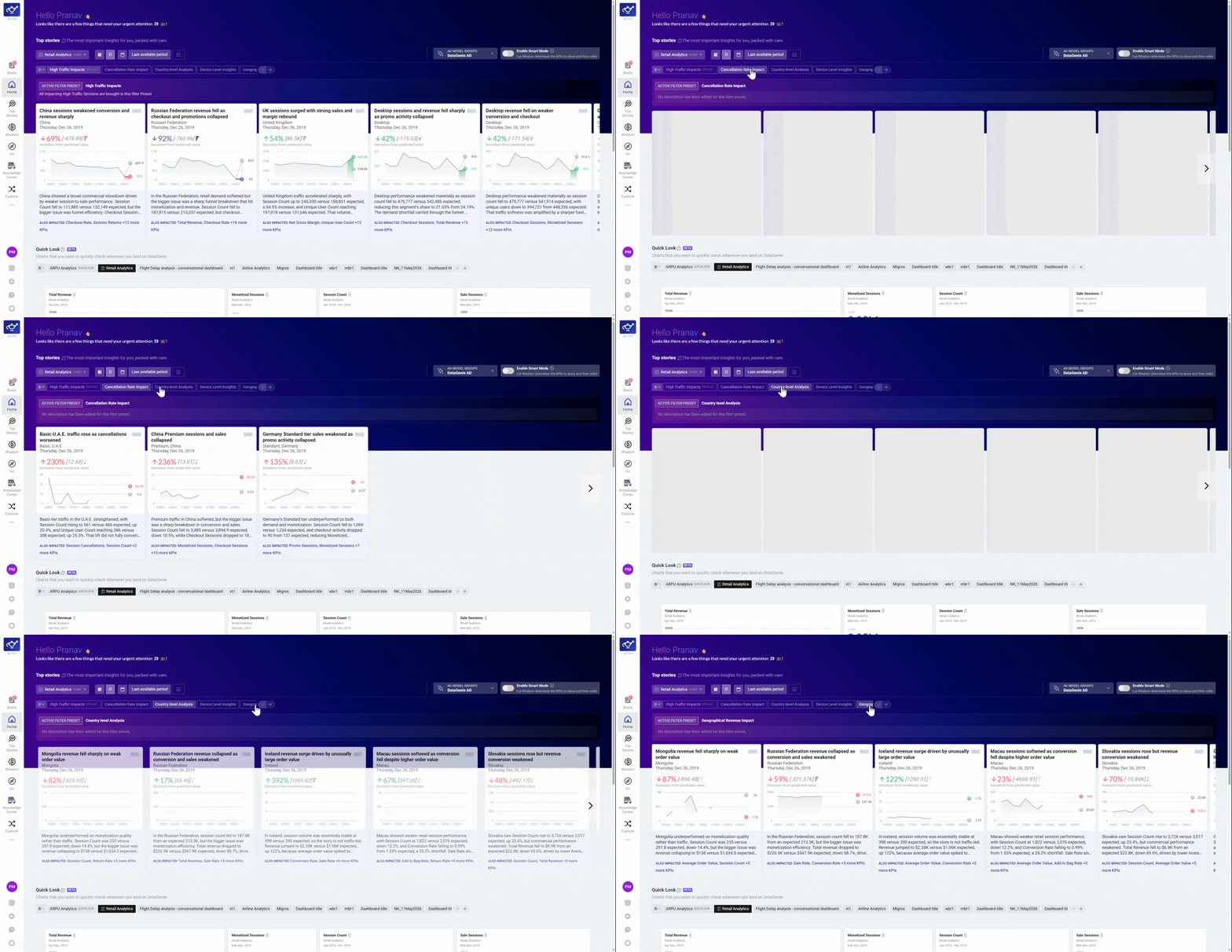
Top Stories surfaces key anomalies across metrics and granularities — but at scale, the volume can make it hard to know where to focus.
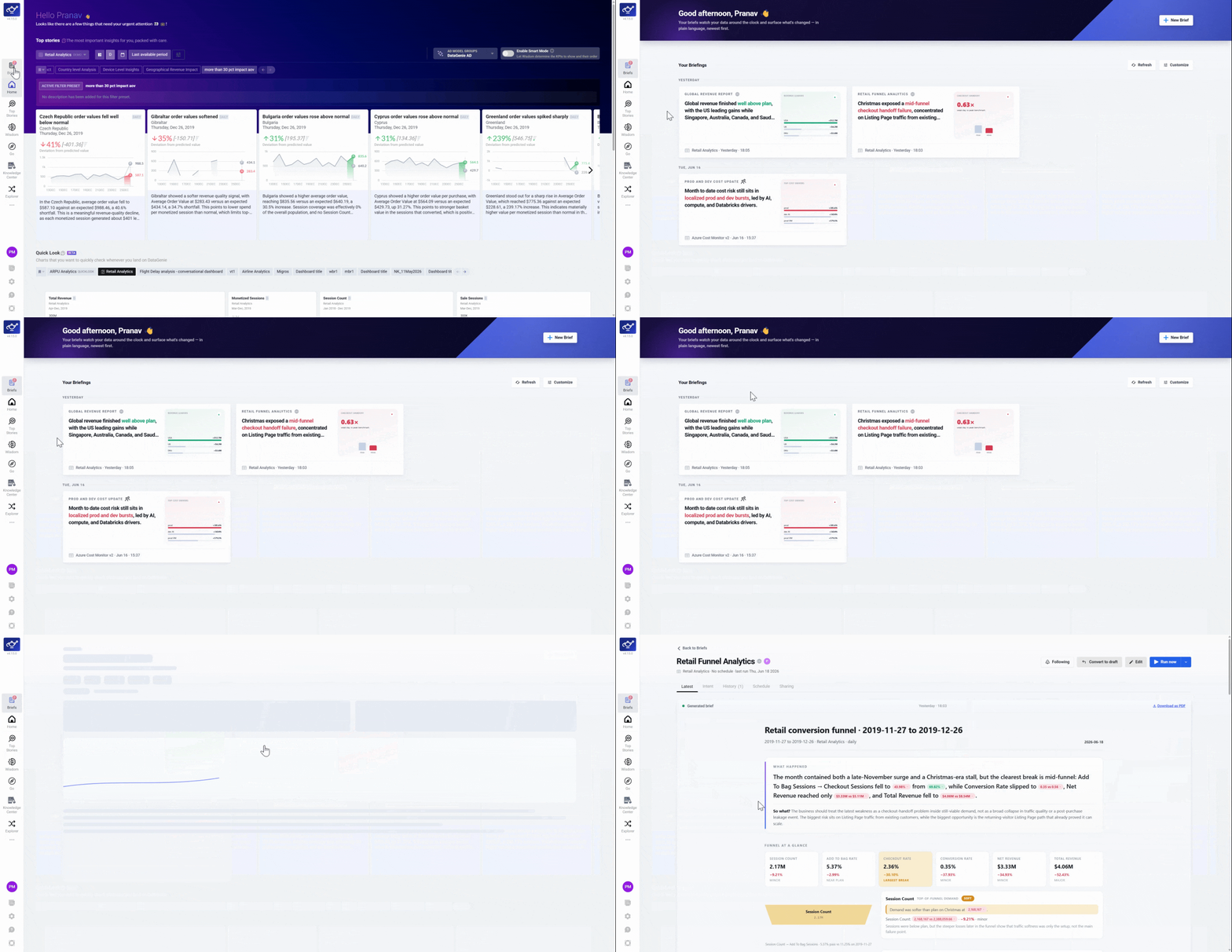
Describe what you want tracked
Open Briefs and describe what you want to track in plain language. Briefs runs the queries, identifies the day's highlights, and stitches them into a single business-ready narrative.
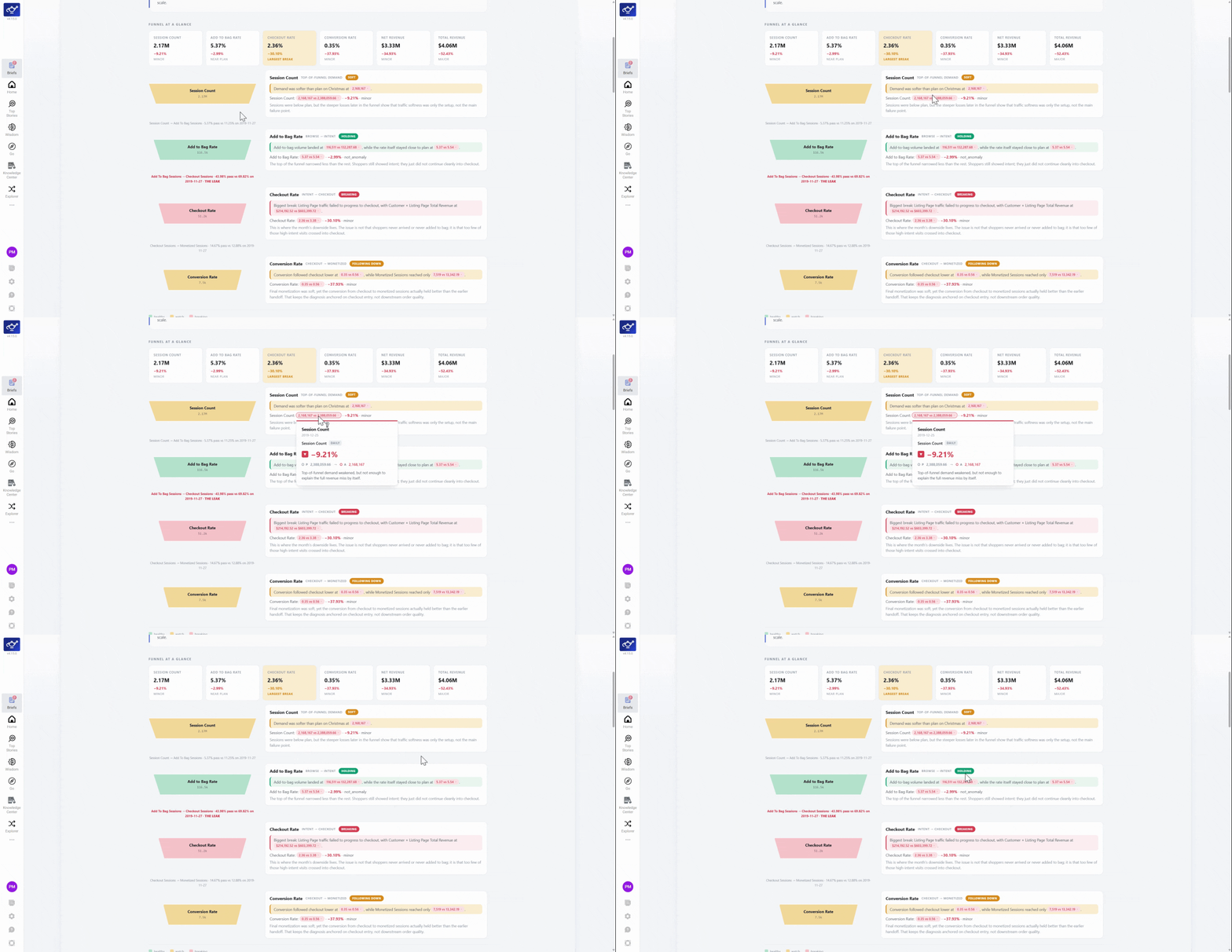
Verify any number with a citation
Every figure in a Brief links back to its source. Hover any number to see exactly where it comes from — nothing in the narrative is ungrounded.
What's next
Creating a Brief
Write your intent in plain English and set up a repeatable report in seconds.
Scheduling, Feed & Subscriptions
Run on a cadence and deliver insights to your inbox automatically.
Reading a Brief
Navigate the narrative, citations, and drill-through to Top Stories.
Sharing & Permissions
Control who can view and run your Briefs with three access levels.
Top Stories
The source of every anomaly and insight surfaced inside a Brief.
Autonomous Insights
The detection engine that powers every story Briefs consolidates.
Responsible AI
DataGenie combines deterministic analytics with carefully scoped LLM use. No raw data ever reaches a language model, no algorithm hallucinates an answer, and every insight is traceable to the data that produced it.
Creating a Brief
Write your intent in plain English and set up a repeatable agentic report in seconds.