

Cognitive Skills
Pre-configured analytical patterns Wisdom can execute on demand — forecasting, change analysis, segment comparisons, and more.
Cognitive Skills (also called Wisdom Skills) are packaged, reusable analytical pipelines defined in plain language. Instead of re-describing a complex analysis each time, a Skill encodes the logic once — and Wisdom runs it on the right KPI and period whenever you invoke it, with arguments. Same inputs → same outputs, every time.
When you repeatedly ask Wisdom the same multi-stage question, convert it to a Skill. A Skill is just a packaged Wisdom question — invocable by anyone, reusable, with arguments.
How to use Cognitive Skills
Close the Wisdom dialog
If the Ask Wisdom, know everything! dialog is open, close it to return to the main interface. You need the main view to navigate to the Knowledge Center where Cognitive Skills live.
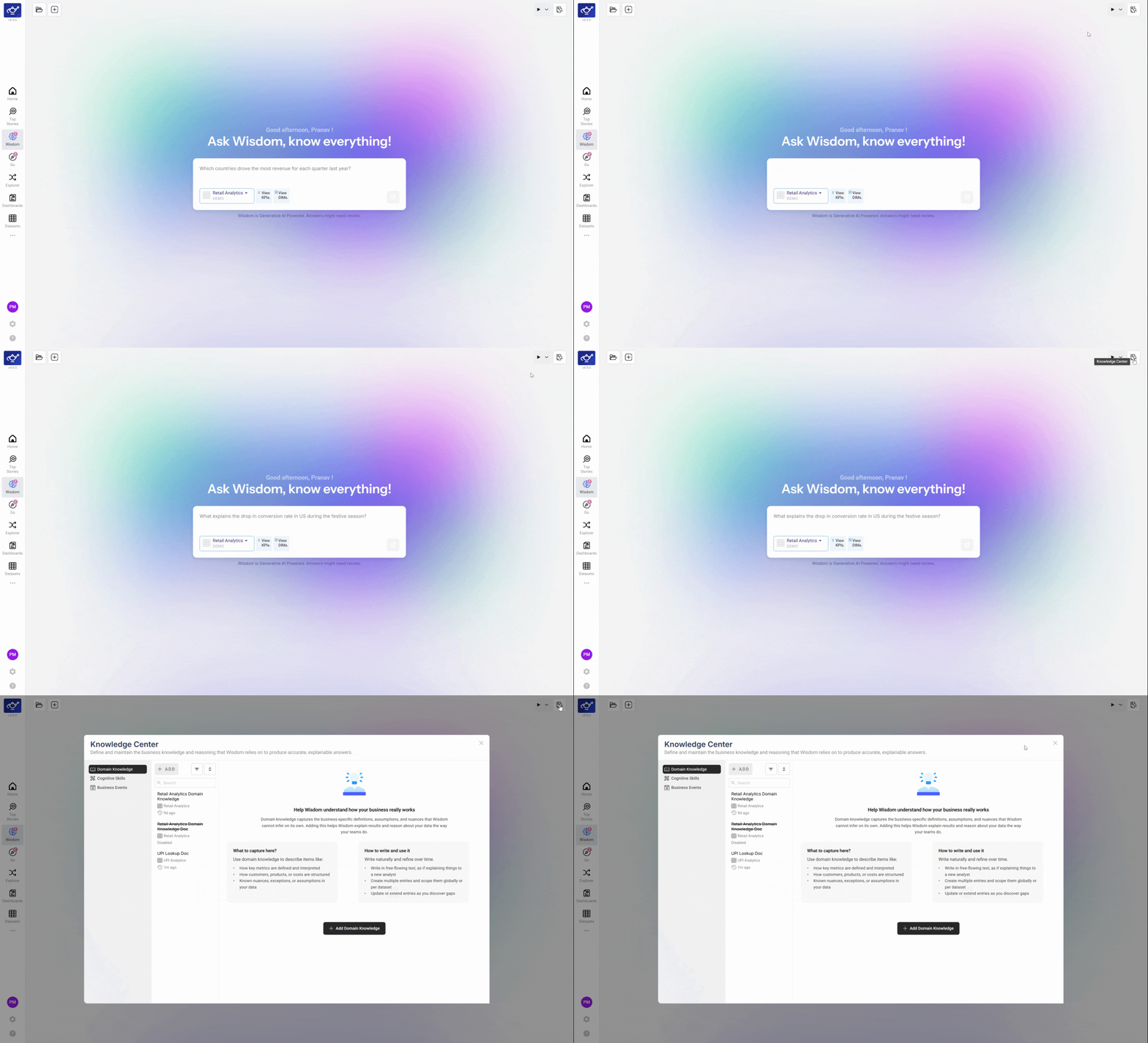
Go to Knowledge Center and select Cognitive Skills
Navigate to the Knowledge Center from the sidebar, then click Cognitive Skills in the left panel. This filters the view to show only Cognitive Skills posts — the pre-built analytical patterns available for your dataset.
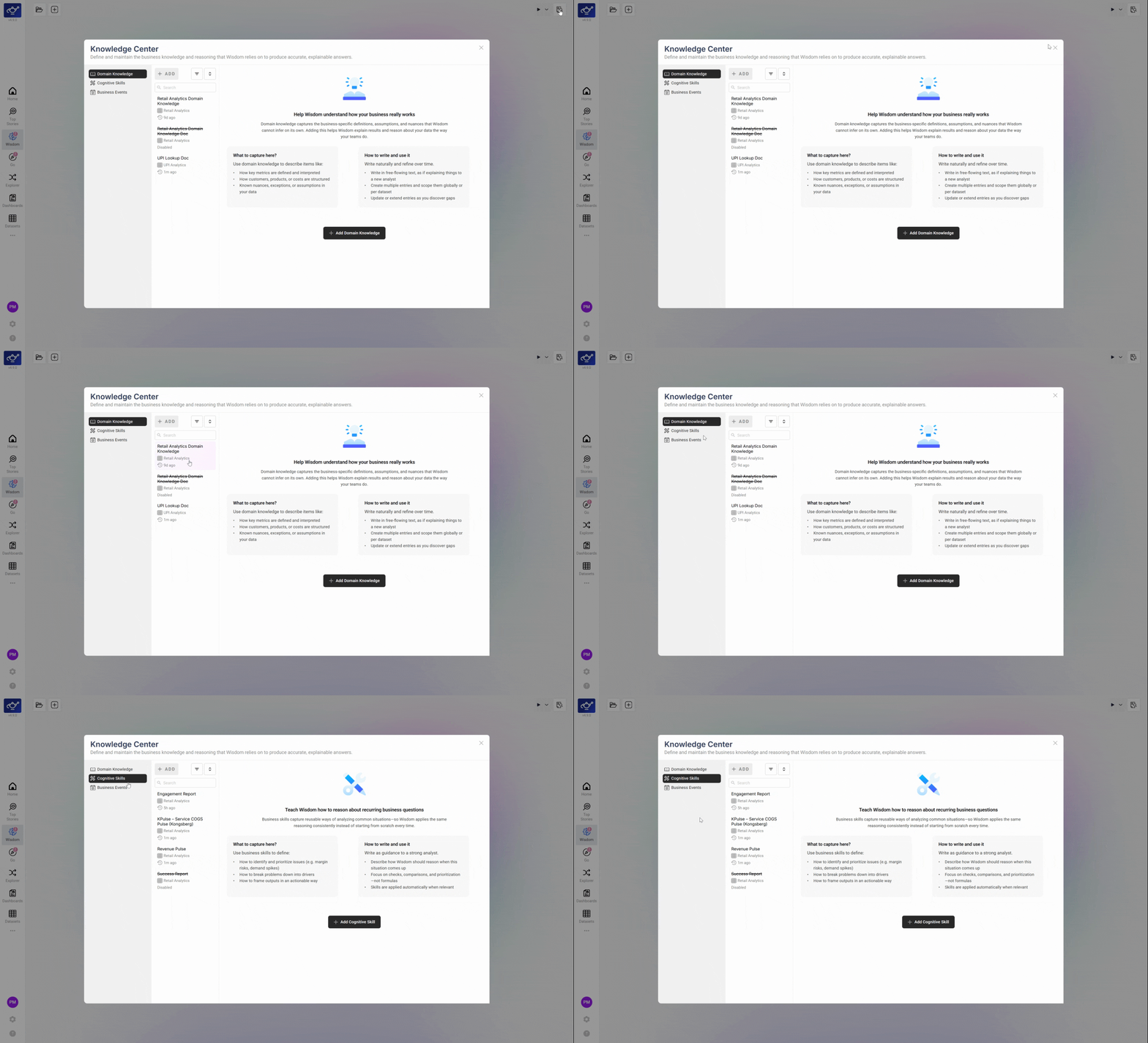
Open a recent Cognitive Skills report
Find a recent post — for example, one marked "5h ago" — and click it to open the full report. Each post is a Cognitive Skill result generated for your dataset on the configured schedule.
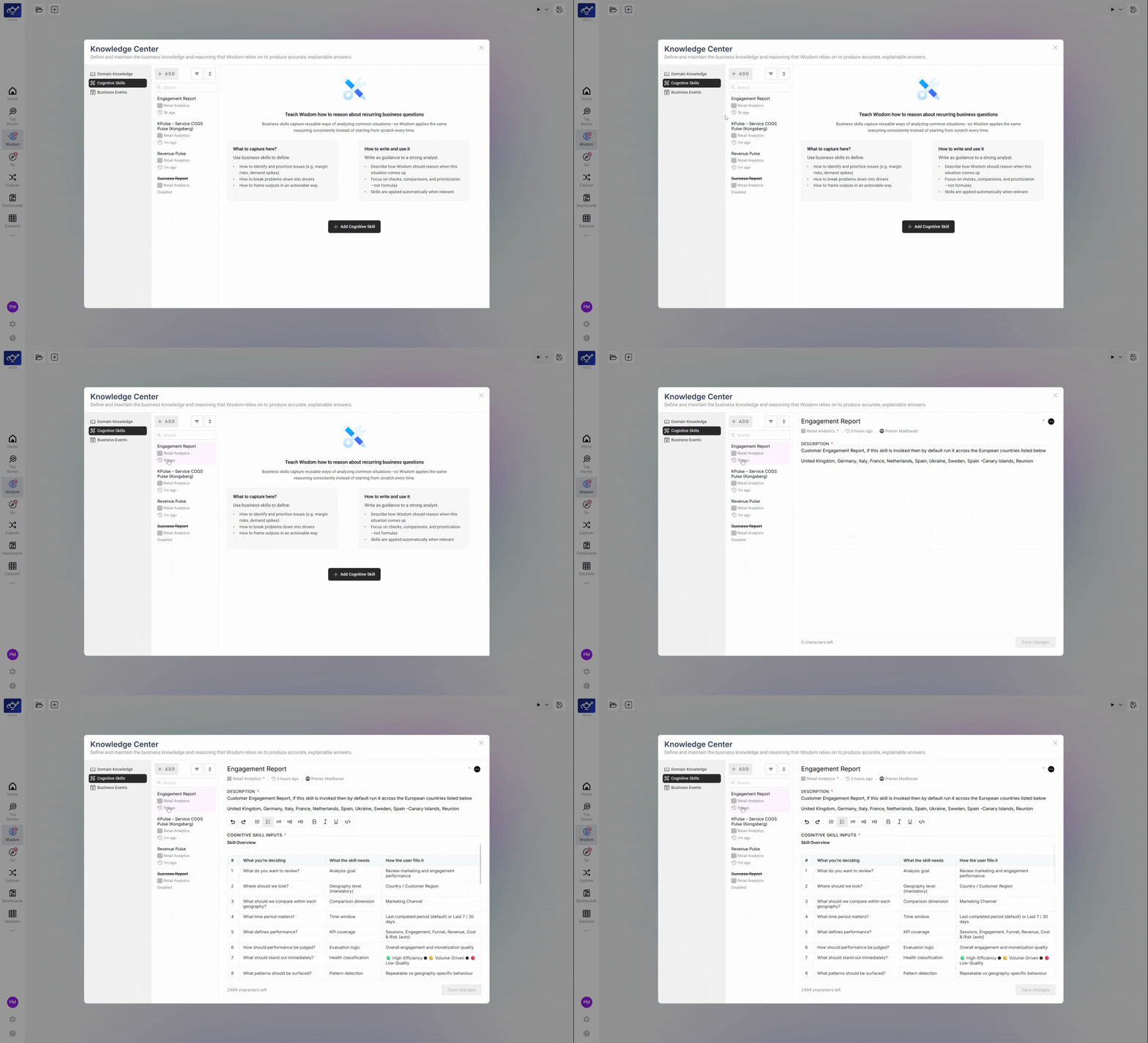
Review the Engagement Report
The report opens with detailed metrics, structured lists, and a comprehensive overview of recent activity. This is the Skill's output — a fully rendered analytical report grounded in your dataset's deterministic pipeline.
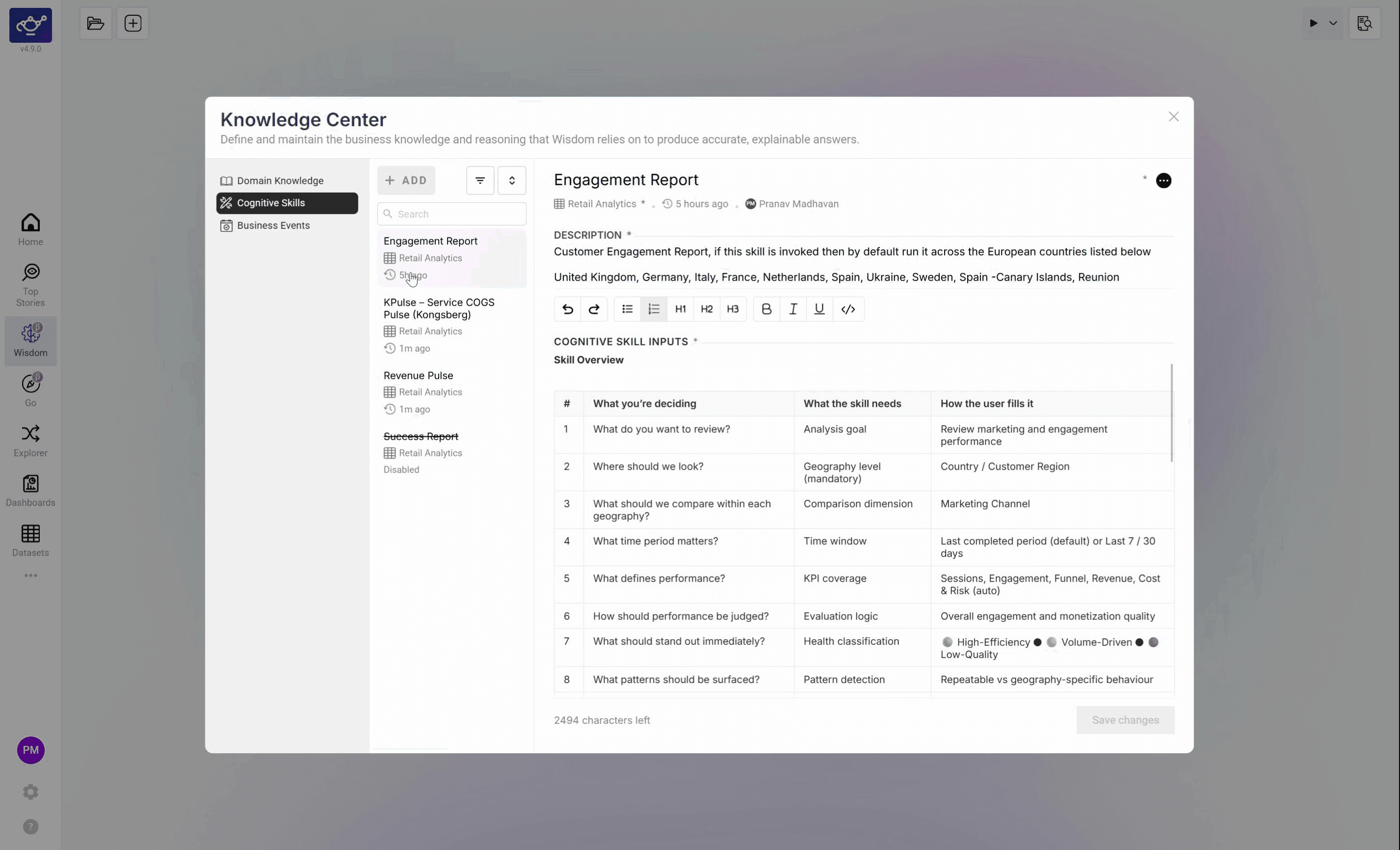
Scroll to the data table
Scroll down to reach the numerical data table. This section breaks down the numbers behind the report — the same underlying data used to generate the narrative above it. Use it to validate specific figures or drill into individual rows.
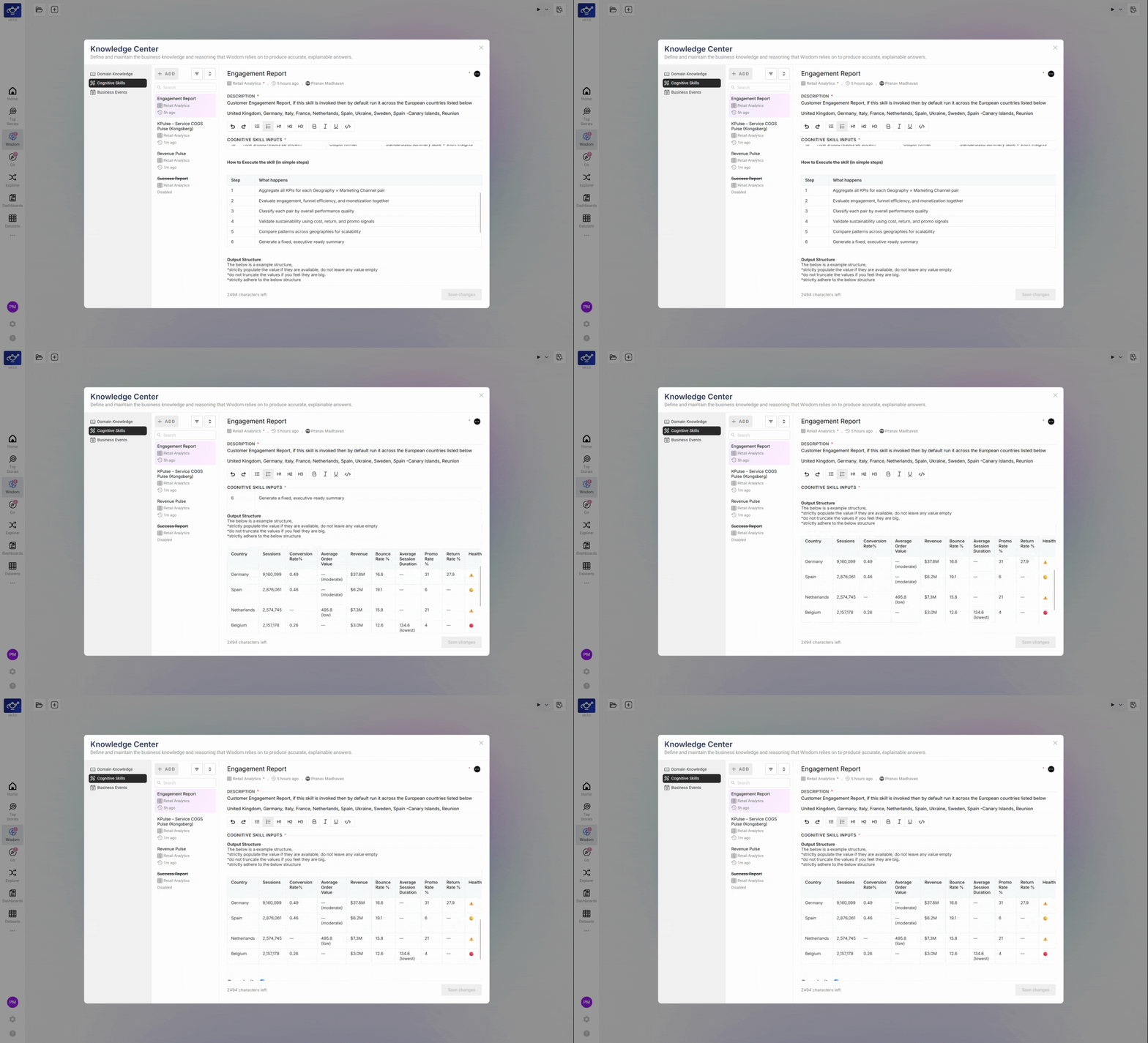
Continue scrolling to the Summary section at the bottom — it highlights the key findings and main takeaways from the report in plain language, useful for quick sharing with stakeholders who don't need the full data table.
How to explore and run a Skill
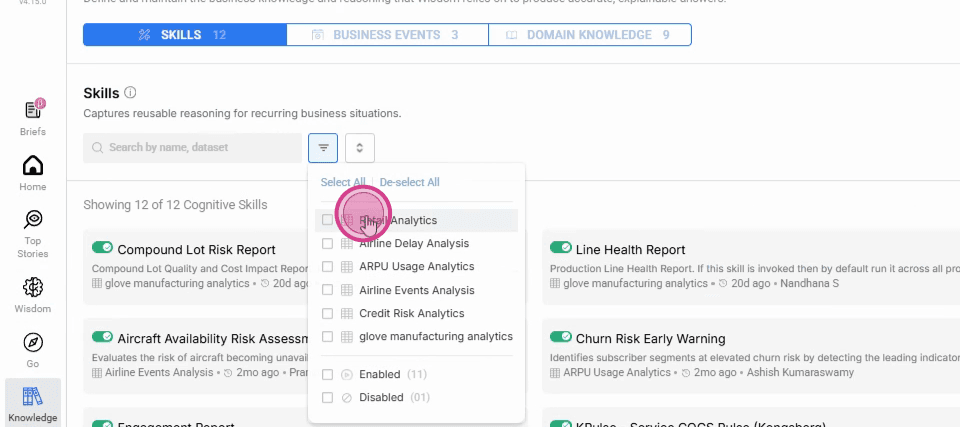
Open the Knowledge Center and select a dataset
Click the Knowledge Center icon to open the hub, then select a dataset to browse its analytics content and available Skills.
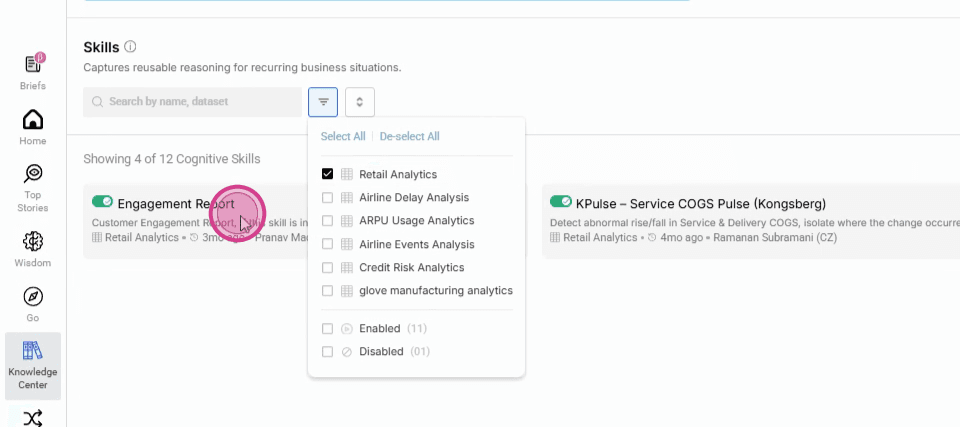
Click an article card to read it
Click any article card to expand and read its contents.
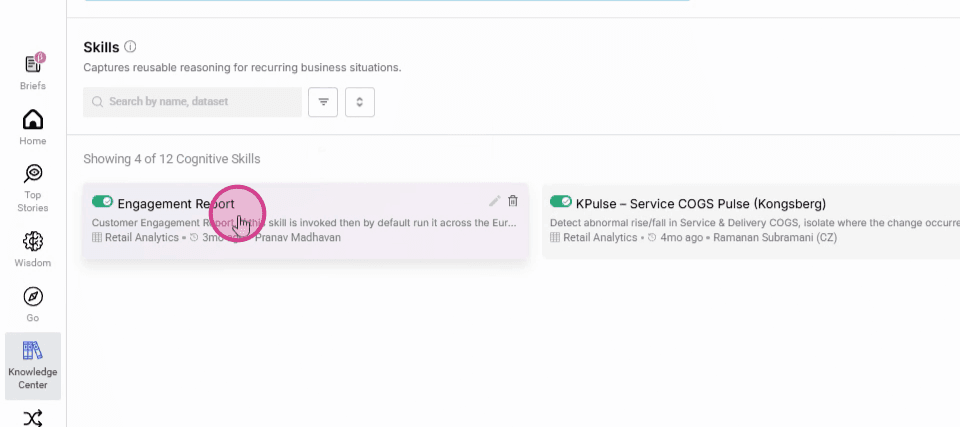
Select a Skill to view its details
In the left panel, select a Skill under Skills to see what analysis it runs and what it returns by default.
Open Ask Wisdom and enter your query
Navigate to Wisdom, open the Ask Wisdom dialog, and type your question — invoking the Skill by name or describing the analysis you want.
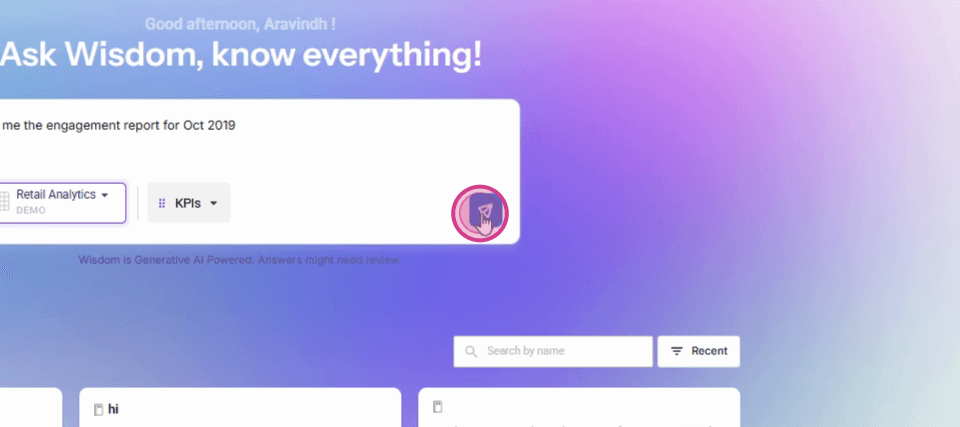
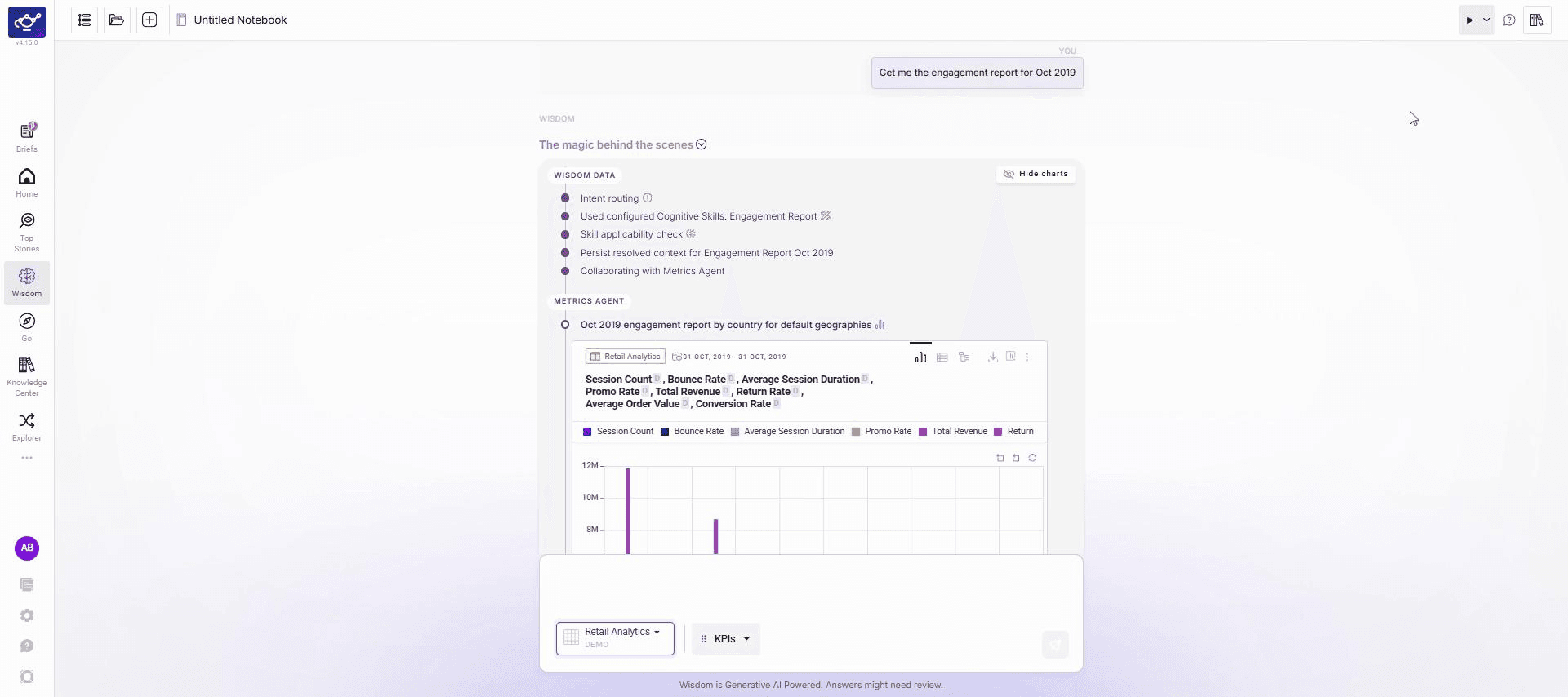
Review the structured answer
Wisdom returns a structured response with headers, key data points, and an analytical summary. Every figure is grounded in your dataset.
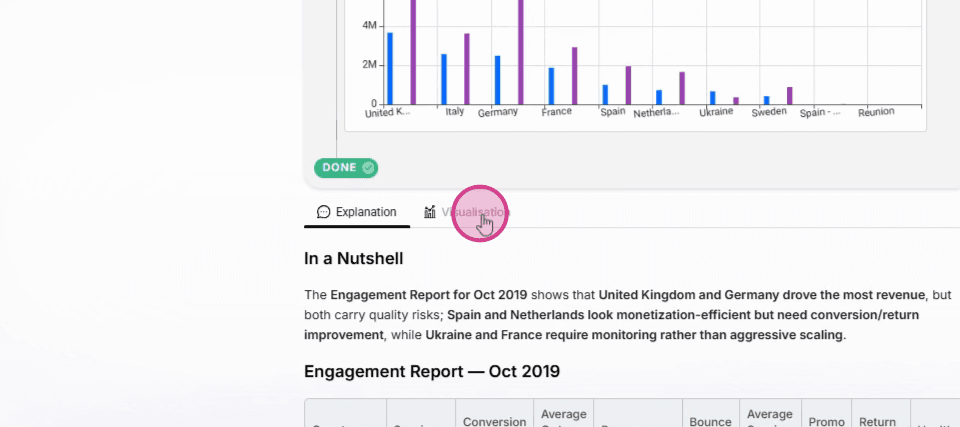
Click Visualization to view the chart
Click the Visualization label to switch to a bar chart view and analyse trends and outliers visually.
Built-in skills
Forecasting
Projects a KPI forward based on historical trend and seasonality. Invoke by asking "What will Revenue look like next month?"
Change Analysis
Explains why a KPI changed by pulling contributor rankings and attribution data. Invoke by asking "Why did Add to Bag Count drop last week?"
Segment Comparison
Compares the same KPI across two or more dimension values. Invoke by asking "Compare Revenue in UK vs US for last 30 days."
Anomaly Explanation
Identifies the anomaly, explains the deviation from baseline, and surfaces the dimension values most responsible.
Cognitive Skills use the same deterministic services that power Top Stories, Explorer, and Datasets — Metric Service, Insights Service, Contribution Analysis, Forecasting, Scenario Planning. No LLM invents numbers.
What's next
Wisdom Overview
Back to the full Wisdom feature overview.
Domain Knowledge
Give Wisdom the business context it needs to apply skills accurately.
Explorer
For hands-on dimensional analysis outside of the Wisdom interface.
Responsible AI
Each Skill runs as a deterministic pipeline — no LLM-generated numbers.
Overview
The agentic analytics assistant — ask complex, multi-stage questions in plain English; Wisdom plans, executes, explains. Far more than text-to-SQL.
Business Events
Annotate KPI timeseries with real-world events — campaigns, product launches, outages — so Wisdom interprets movements in context.