

Domain Knowledge
Teach Wisdom about your business — metric definitions, rules, and domain-specific context that make answers more accurate.
Domain Knowledge is a Responsible AI guardrail for Wisdom. You encode your business rules — definitions, exclusions, aliases — once, and Wisdom answers within those rules instead of inventing logic. Without it, Wisdom answers from data alone. With it, every question, dashboard, and insight respects your team's business context.
Domain Knowledge is one of the three Wisdom configuration components that keep agentic analytics safe for enterprise use. See Responsible AI.
How to set up Domain Knowledge
Open the Knowledge Center
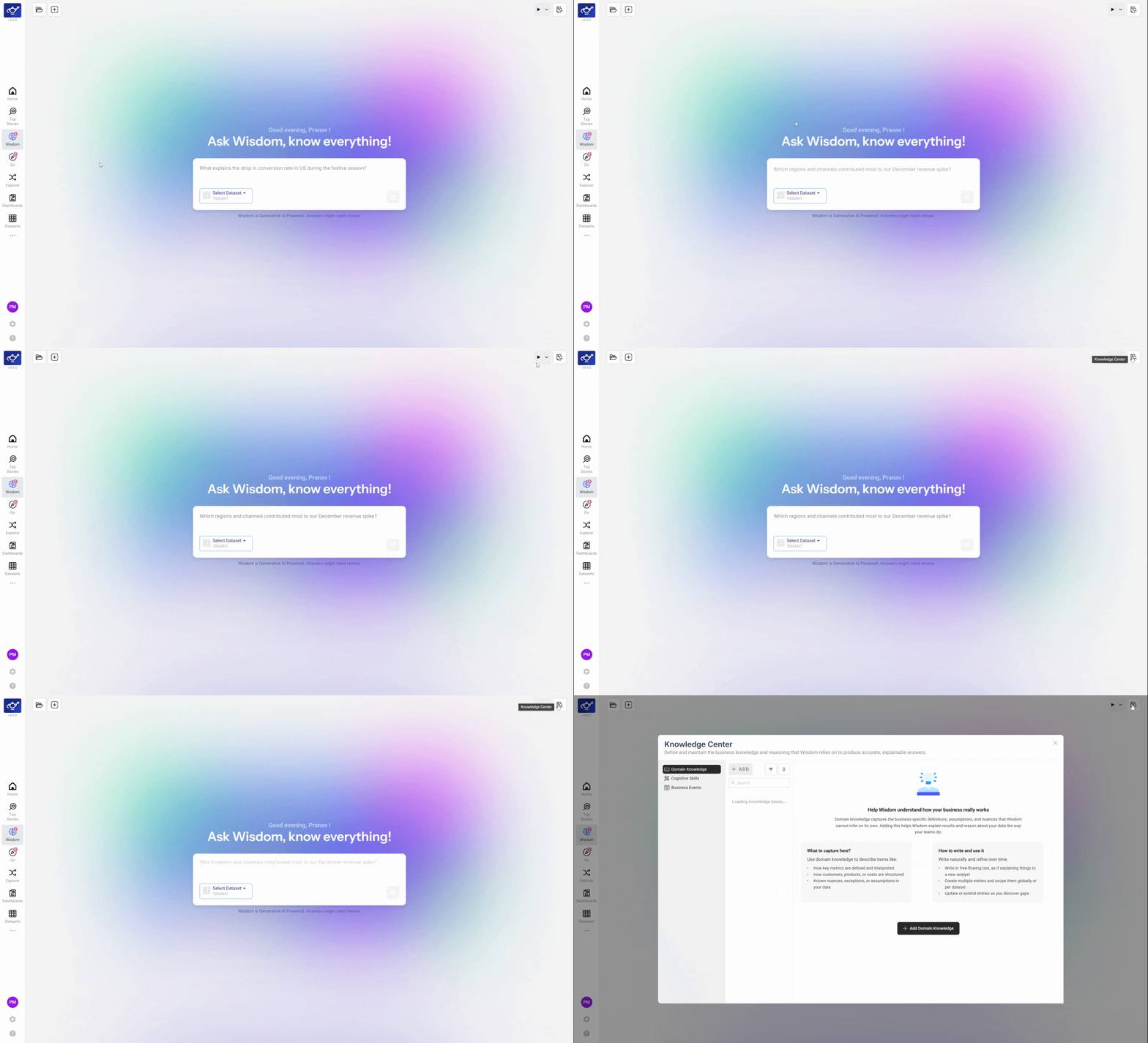
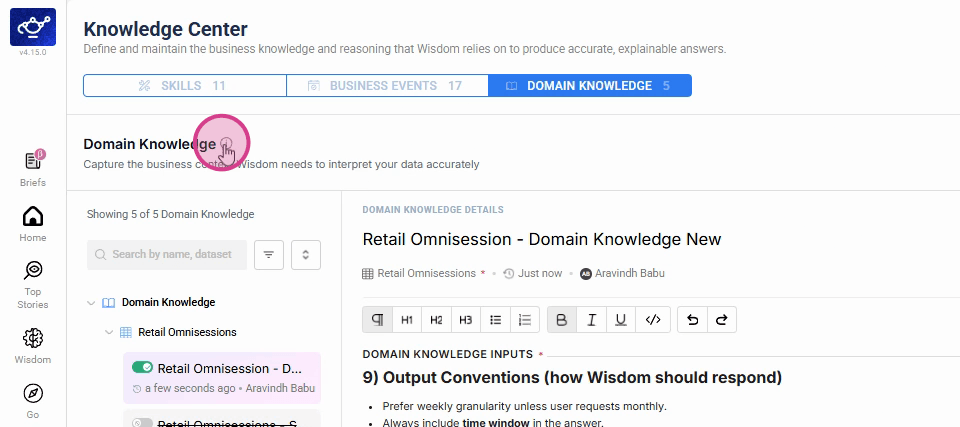
Open DataGenie and navigate to Knowledge Center from the left sidebar. This is where you encode all business rules, KPI definitions, and domain expertise that Wisdom applies to every analysis.
Explore the layout
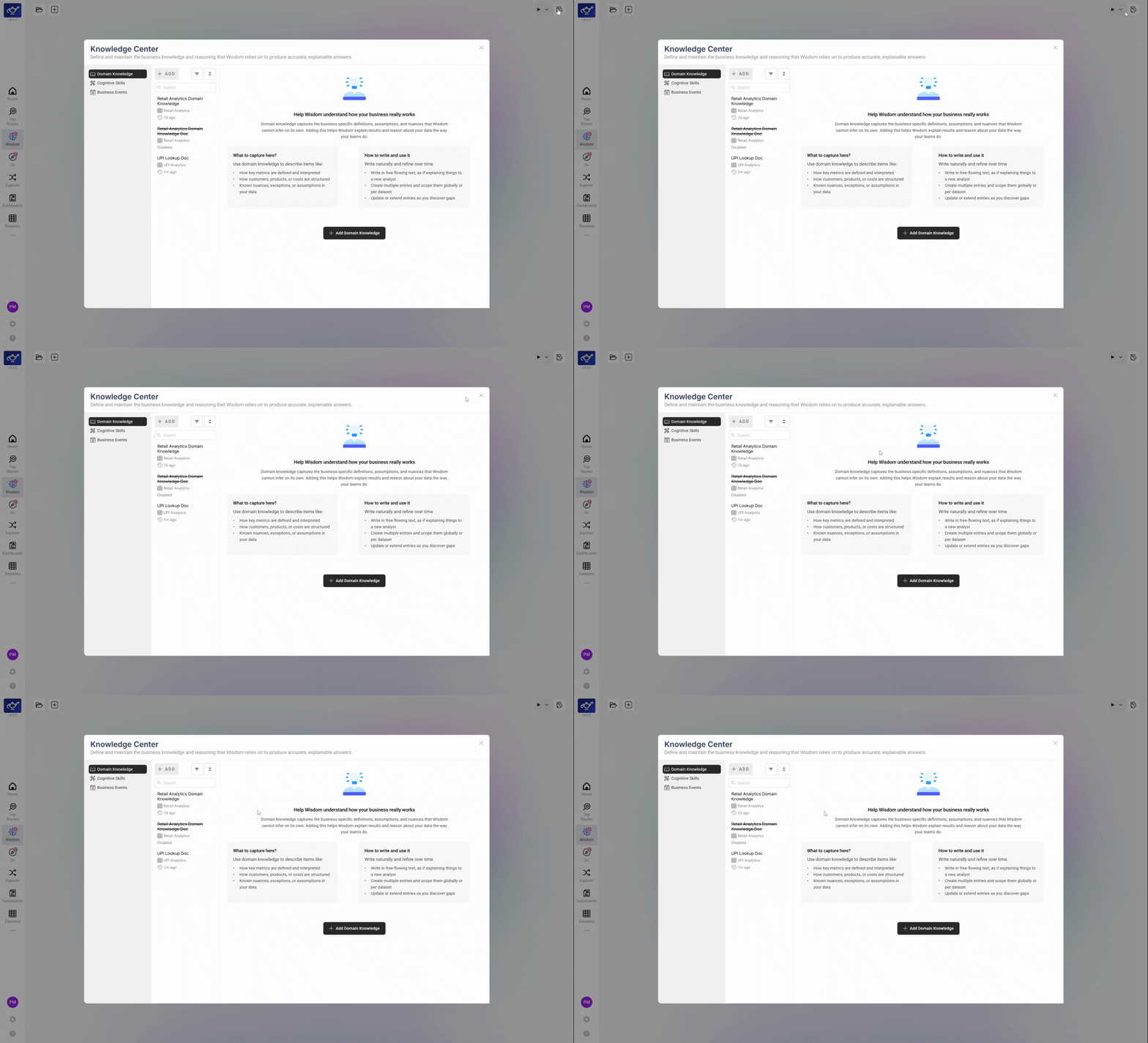
The Knowledge Center is organized into sections for different types of business knowledge — metric definitions, business rules, dimension aliases, and exclusions. Each section feeds a different part of Wisdom's reasoning, so it's worth understanding what goes where before entering your first entries.
Enter your knowledge and save
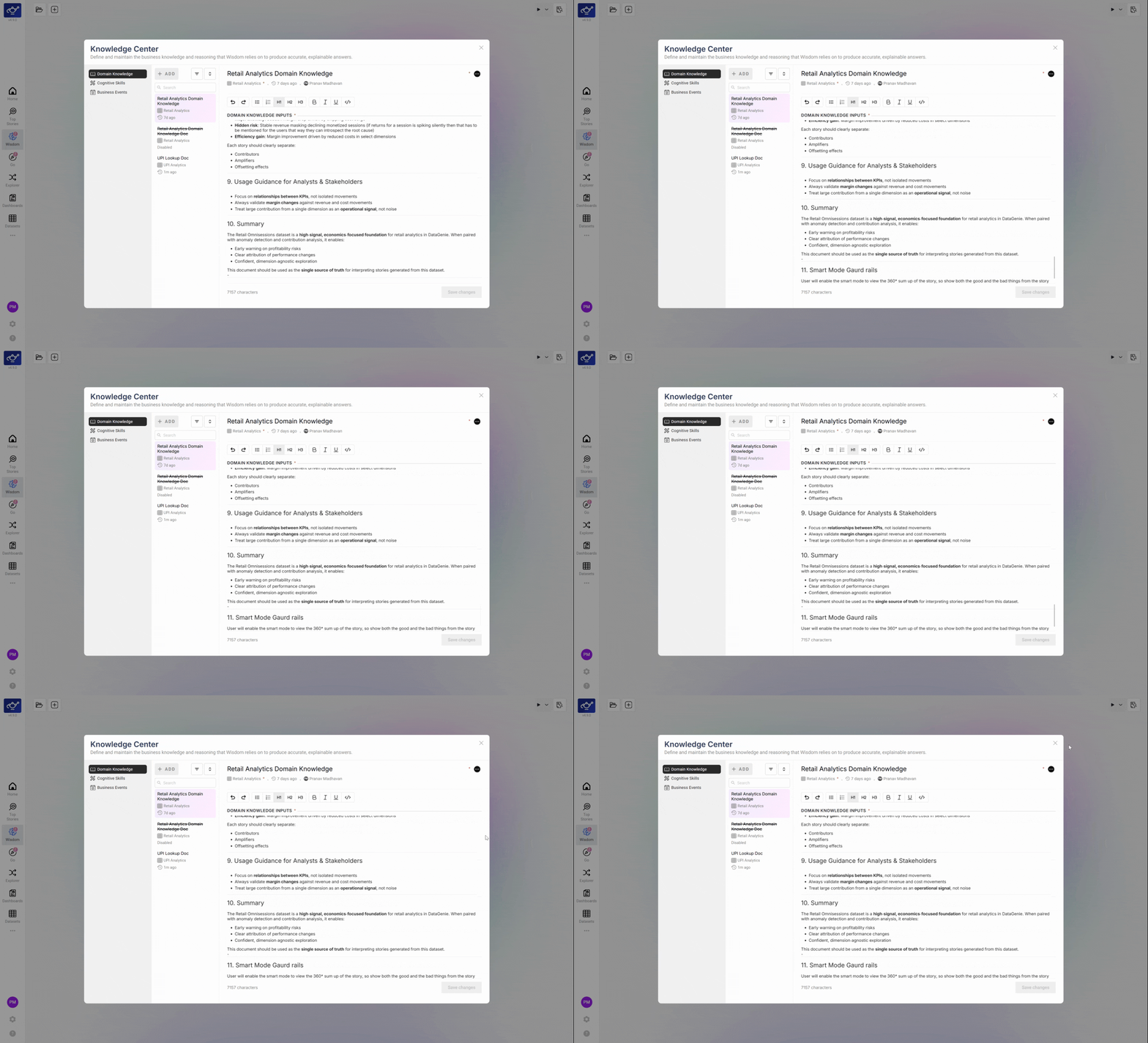
Click into any section and write your business knowledge in plain language — for example, "Revenue excludes refunds and internal test orders," or map the column "acq_channel" to "Acquisition Channel." Click Save when done. Wisdom immediately applies your inputs to every subsequent question and insight — no retraining required.
Start with your 5 most-used KPIs. Defining those alone meaningfully improves Wisdom's accuracy for the majority of questions your team asks — you don't need to encode everything before it becomes useful.
How to edit a domain knowledge article
Open the Ask Wisdom modal
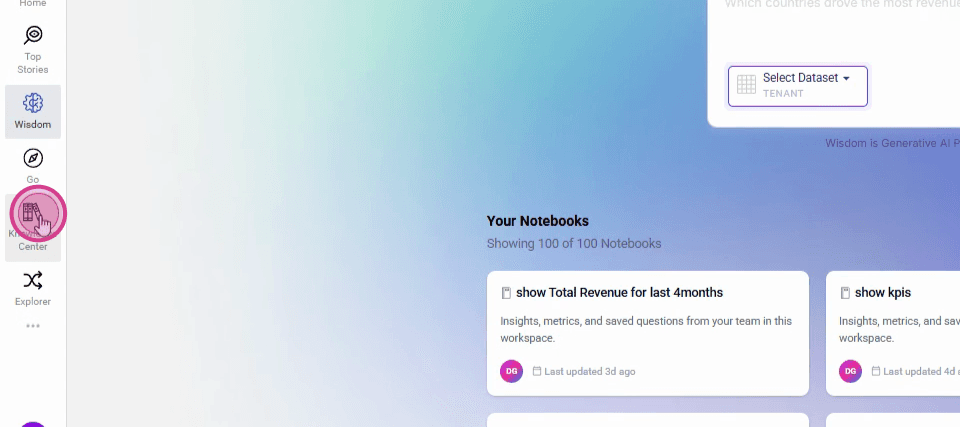
Click the Ask Wisdom entry point to open the modal — this is your starting point for accessing the Knowledge Center.
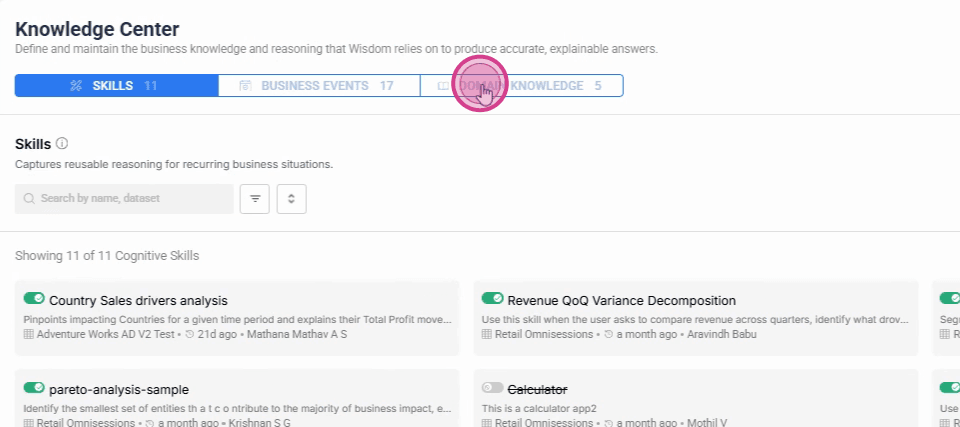
Click Domain Knowledge in the sidebar
Select Domain Knowledge from the left sidebar to see the list of existing articles.
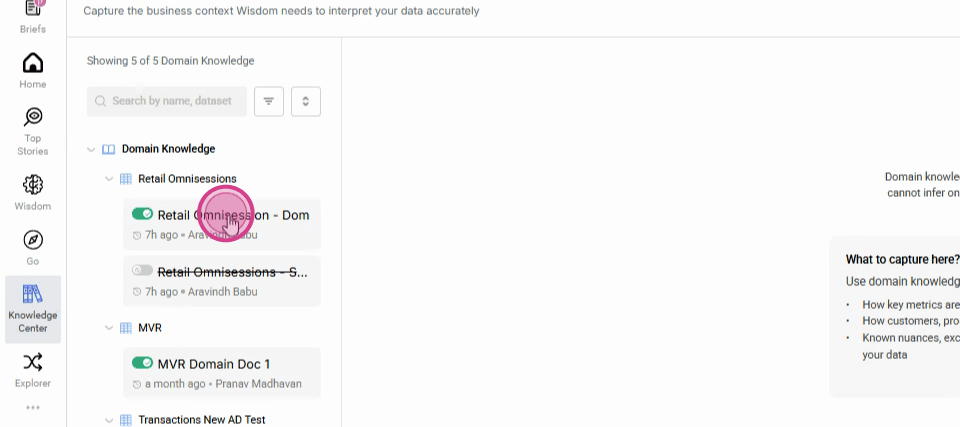
Select an article to open it
Click the article you want to review or update.
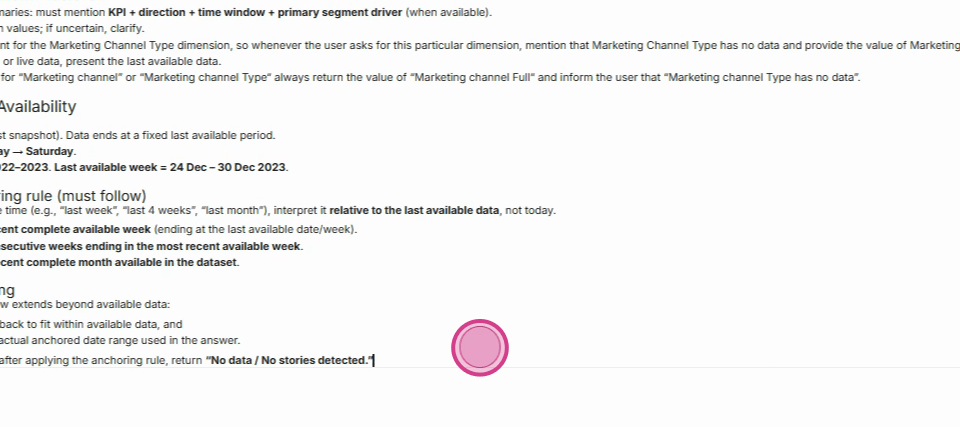
Edit the content
Click into the content area and make your changes — update definitions, rules, or any other business context that needs refreshing.
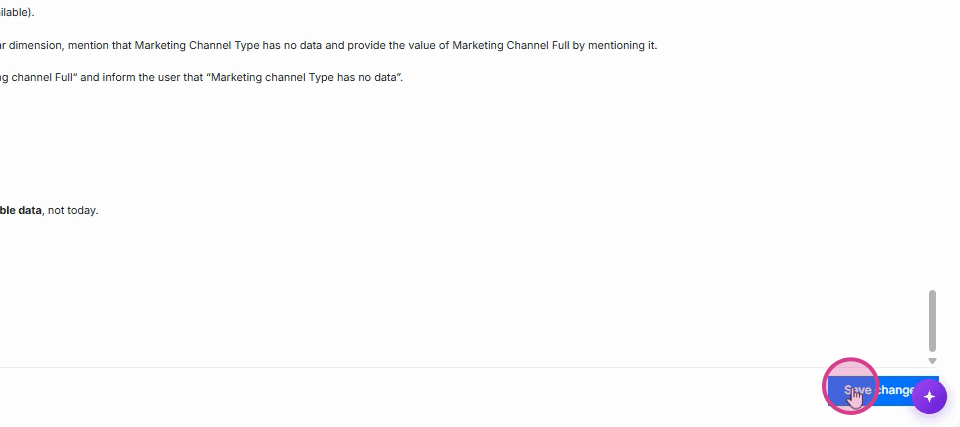
Save your changes
Click Save changes in the upper right to commit your edits.
Confirm and close
Click the confirmation icon in the lower right to complete the workflow.
What you can add
Metric Definitions
Define what each KPI means in your business context — e.g. "Revenue excludes refunds and internal test orders."
Business Rules
Encode rules like "Always exclude the 'Internal' cohort from analyses" or flag Q4 comparisons as potentially seasonally inflated.
Dimension Aliases
Map internal column names to the terms your team uses — e.g. "acq_channel" maps to "Acquisition Channel."
Filters & Exclusions
Define segments that should always be excluded — test accounts, internal users, bot traffic.
What's next
Business Events
Annotate KPI timeseries with real-world events — campaigns, product launches, outages — so Wisdom interprets movements in context.
Memories
Wisdom remembers the durable things about how you analyze — the metrics you care about, how you like answers framed — and applies them to every answer. Confirmation-gated and private to you.