Reading a Brief
Navigate the narrative, verify citations, and drill through to the exact Top Story behind any number.
Every Brief is built to be read at a glance. A structured layout surfaces the full picture in a single scroll — and every number in the narrative is grounded, with a citation that links straight back to the underlying Top Story.
How to read a Brief
Open a Brief
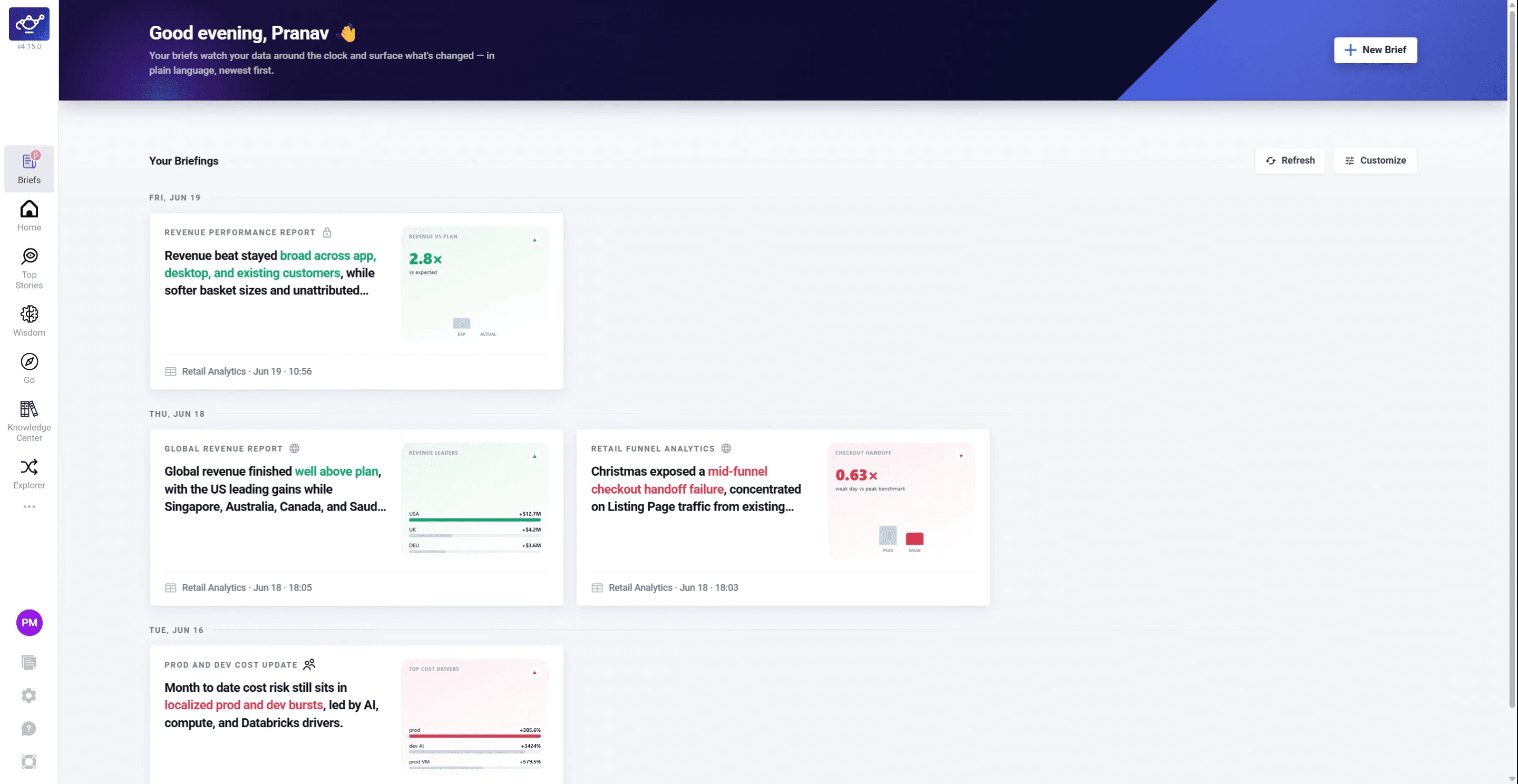
Click any Brief card in your feed to open it. You'll see a concise summary of key metrics and patterns at the top.
Review the hero metric and anomaly map
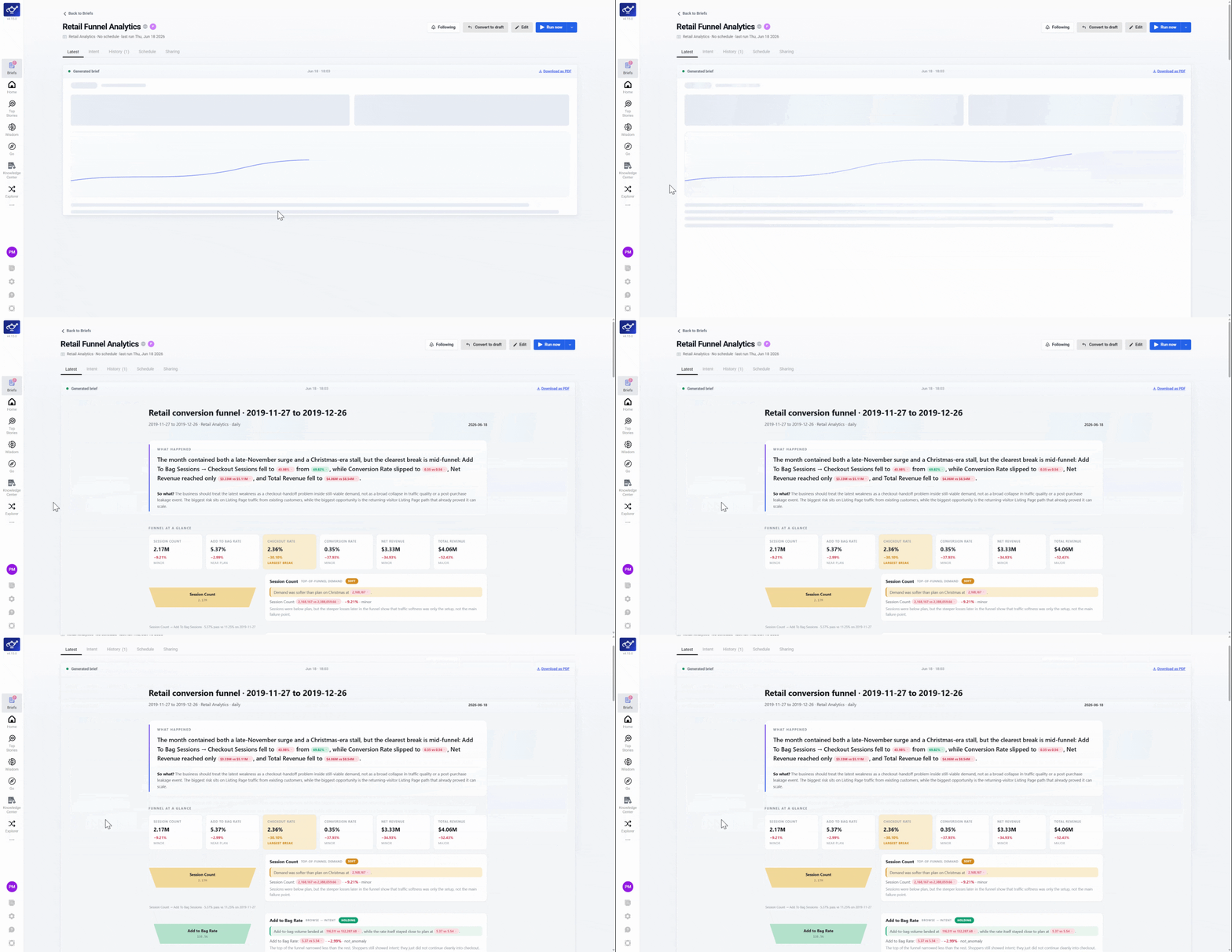
The top of the Brief shows the hero metric, anomaly map, key insights, and largest deviations — the full picture before you scroll.
Scroll to supporting insights
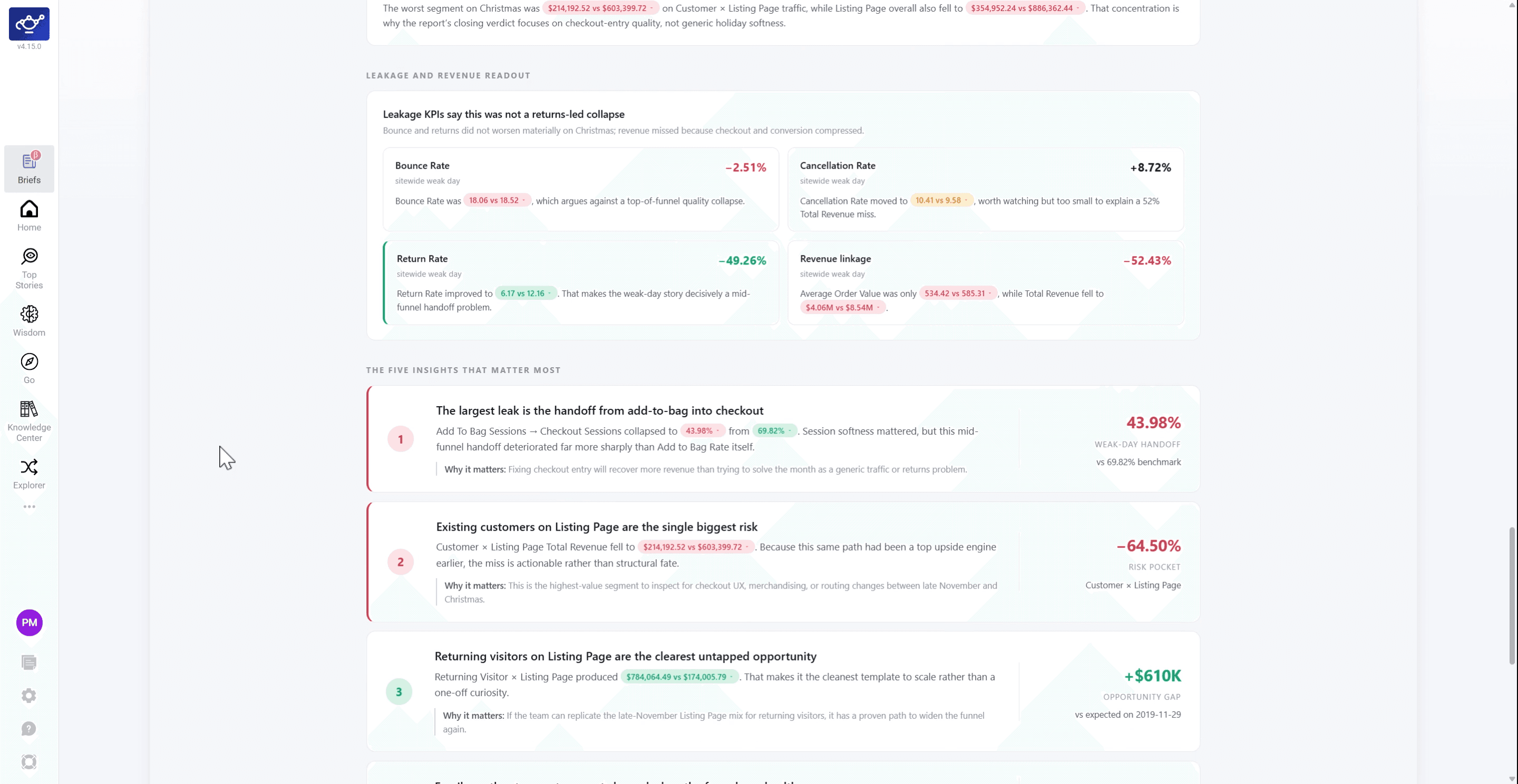
Scroll below the anomaly map to find supporting insights with additional context, trends, and deviations.
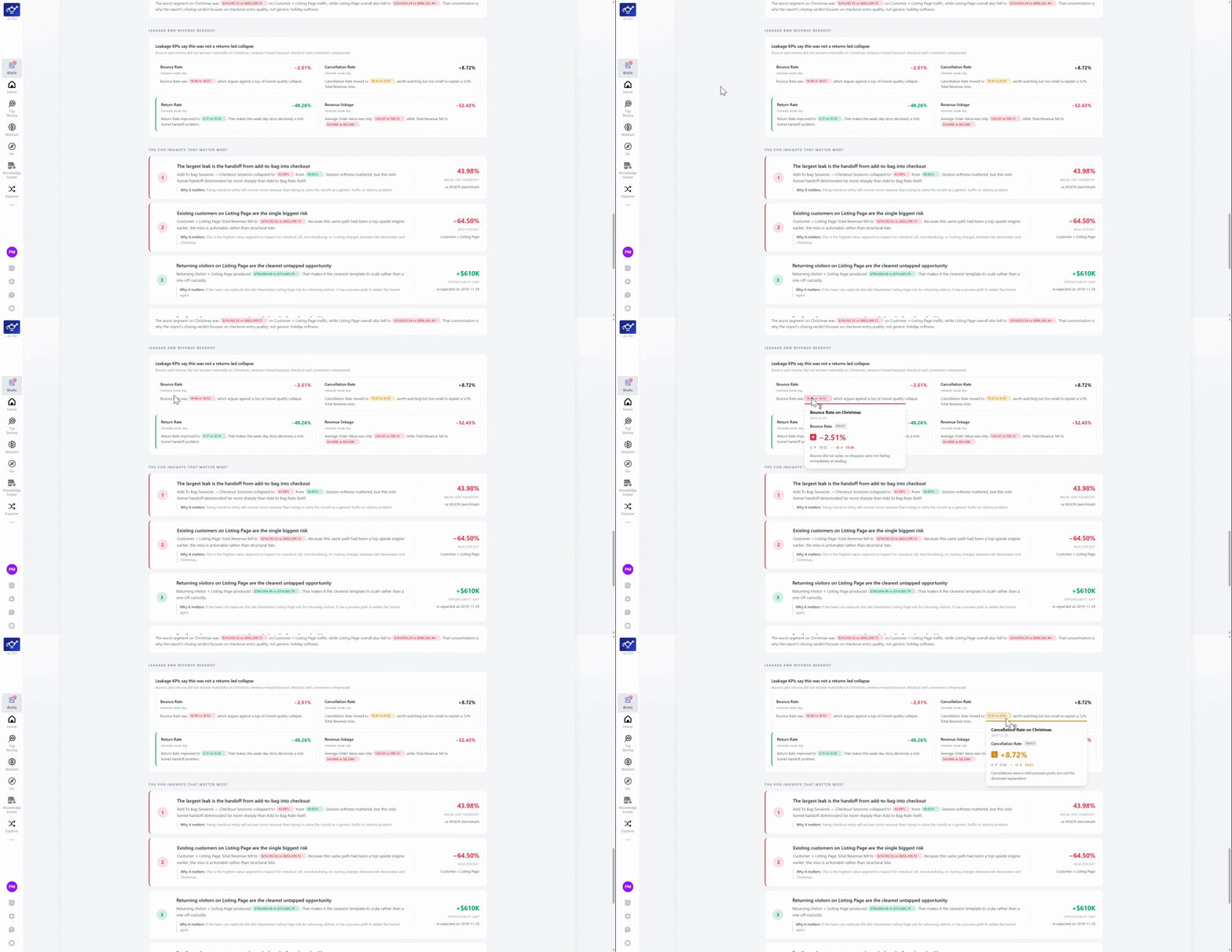
Hover a value to see its source
Hover any number to see a tooltip showing the grounded source behind it — DataGenie writes the narrative, your data supplies the numbers.
Click a citation to jump to the source story
Click any citation link to navigate directly to the Top Story behind that insight. The narrative and the underlying data are always one click apart.
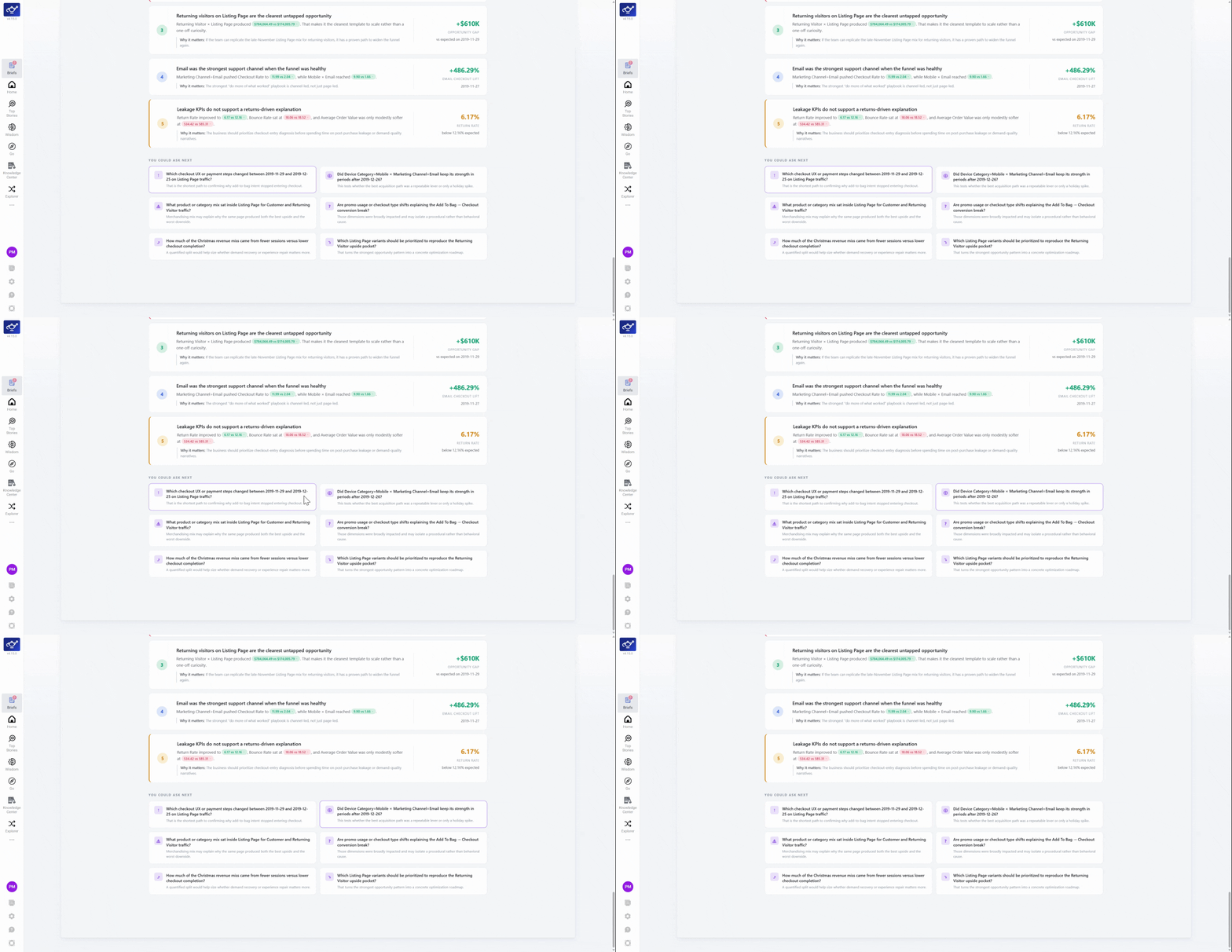
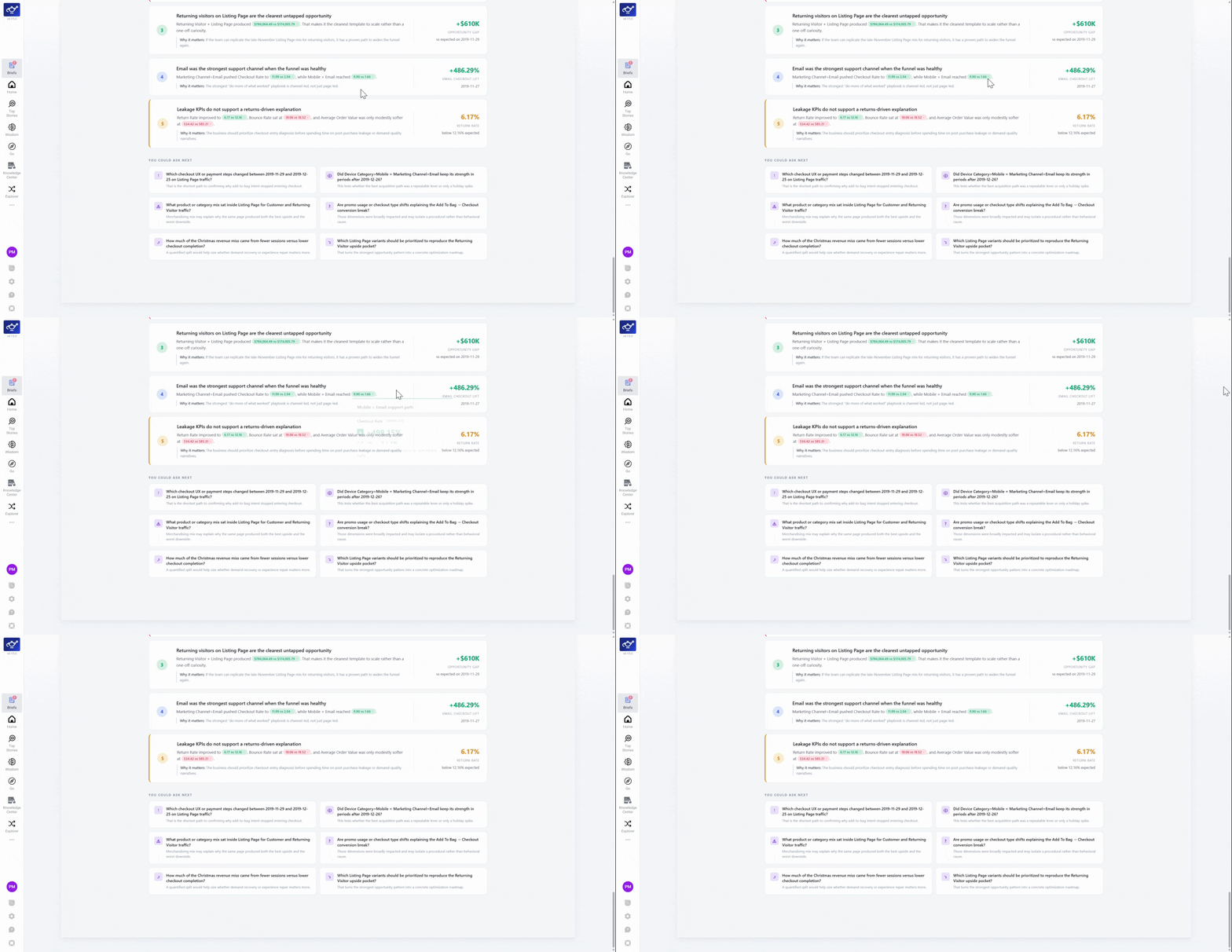
Use What Next to go deeper
Click What Next on any insight to launch a new analysis thread in Wisdom from that exact point.